96
C
On-screen
programming
C
Your machine has been designed to be easy
to use. The LCD provides on-screen
programming using the menu keys.
We have created step by step on-screen
instructions to help you program your
machine. Simply follow the steps as they
guide you through the menu selections and
programming options.
How to access the menu
mode C
a Press Menu.
b Choose an option.
Press 1 for General Setup menu.
Press 2 for Copy menu.
Press 3 for Printer menu.
Press 4 for USB Direct I/F menu.
Press 5 for Machine Info. menu.
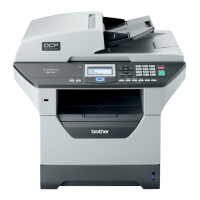
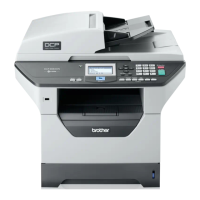
(for DCP-8110D)
Press 5 for Network menu.
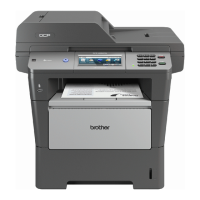
(for DCP-8110DN and
DCP-8155DN)
Press 6 for Machine Info. menu.
You can also scroll through each menu
level by pressing a or b for the direction
you want.
c Press OK when the option you want
appears on the LCD.
The LCD will then show the next menu
level.
d Press a or b to scroll to your next menu
selection.
e Press OK.
When you have finished setting an
option, the LCD will show Accepted.
f Press Stop/Exit to exit Menu mode.
Menu and features C



 To Next Page
 Loading...