Home > Scan > Scan from Your Computer (Windows
®
) > Scan Using ControlCenter4 Home Mode
(Windows
®
) > Scan Settings for ControlCenter4 Home Mode (Windows
®
)
Scan Settings for ControlCenter4 Home Mode (Windows
®
)
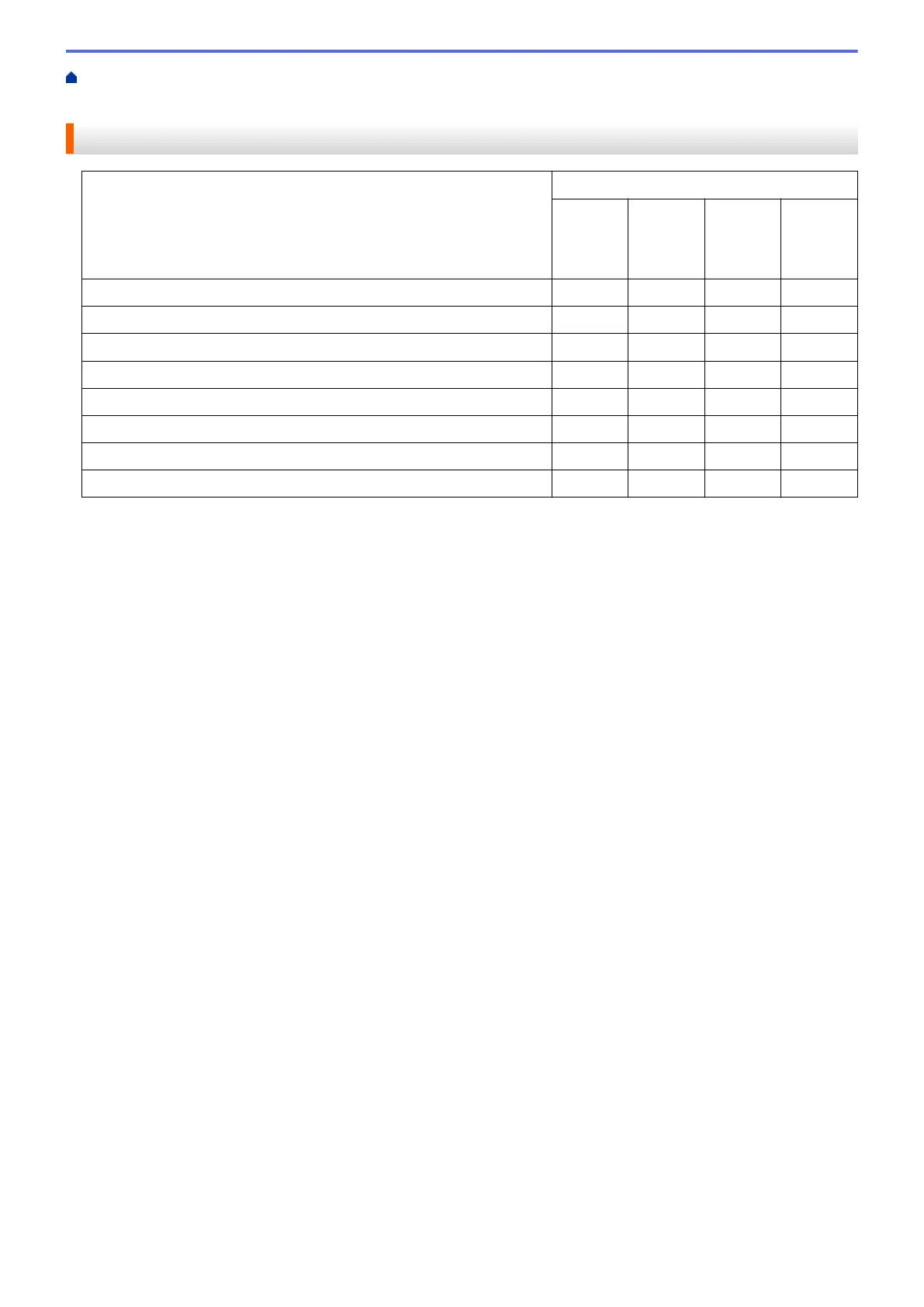
Settings Applicable Features
Open
with an
Applicati
on
OCR Send E-
mail
Save
File Type - Yes Yes Yes
Target Application Yes Yes - -
OCR Language (available only for certain models) - Yes - -
File Name - - - Yes
Insert Date in File Name - - - Yes
Scan Location - - - Yes
Show Folder - - - Yes
File size - - Yes Yes
File Type
Select the file type you want to use for the scanned data.
For Send E-mail and Save:
• Windows Bitmap (*.bmp)
• JPEG (*.jpg) (recommended for most users when scanning pictures)
• TIFF (*.tif)
• TIFF Multi-Page (*.tif)
• Portable Network Graphics (*.png)
• PDF (*.pdf) (recommended for scanning and sharing documents)
• High Compression PDF (*.pdf)
• Secure PDF (*.pdf)
• Searchable PDF (*.pdf) (available only for certain models)
• XML Paper Specification (*.xps) (the XML Paper Specification is available for Windows Vista
®
,
Windows
®
7, Windows
®
8 and Windows
®
10, or when using applications that support XML Paper
Specification files)
• Microsoft Office Word (*.docx) (available only for certain models)
• Microsoft Office PowerPoint (*.pptx) (available only for certain models)
For OCR:
• Text (*.txt)
• HTML 3.2 (*.htm)
• HTML 4.0 (*.htm)
• Searchable PDF (*.pdf)
• WordPad (*.rtf)
• RTF Word 2000 (*.rtf)
• WordPerfect 9, 10 (*.wpd)
• Microsoft Excel 2003, XP (*.xls)
Target Application
Select the destination application from the drop-down list.
139


 To Next Page
 Loading...