Home > Troubleshooting > Document Jams > Remove Paper Scraps Jammed in the ADF
Remove Paper Scraps Jammed in the ADF
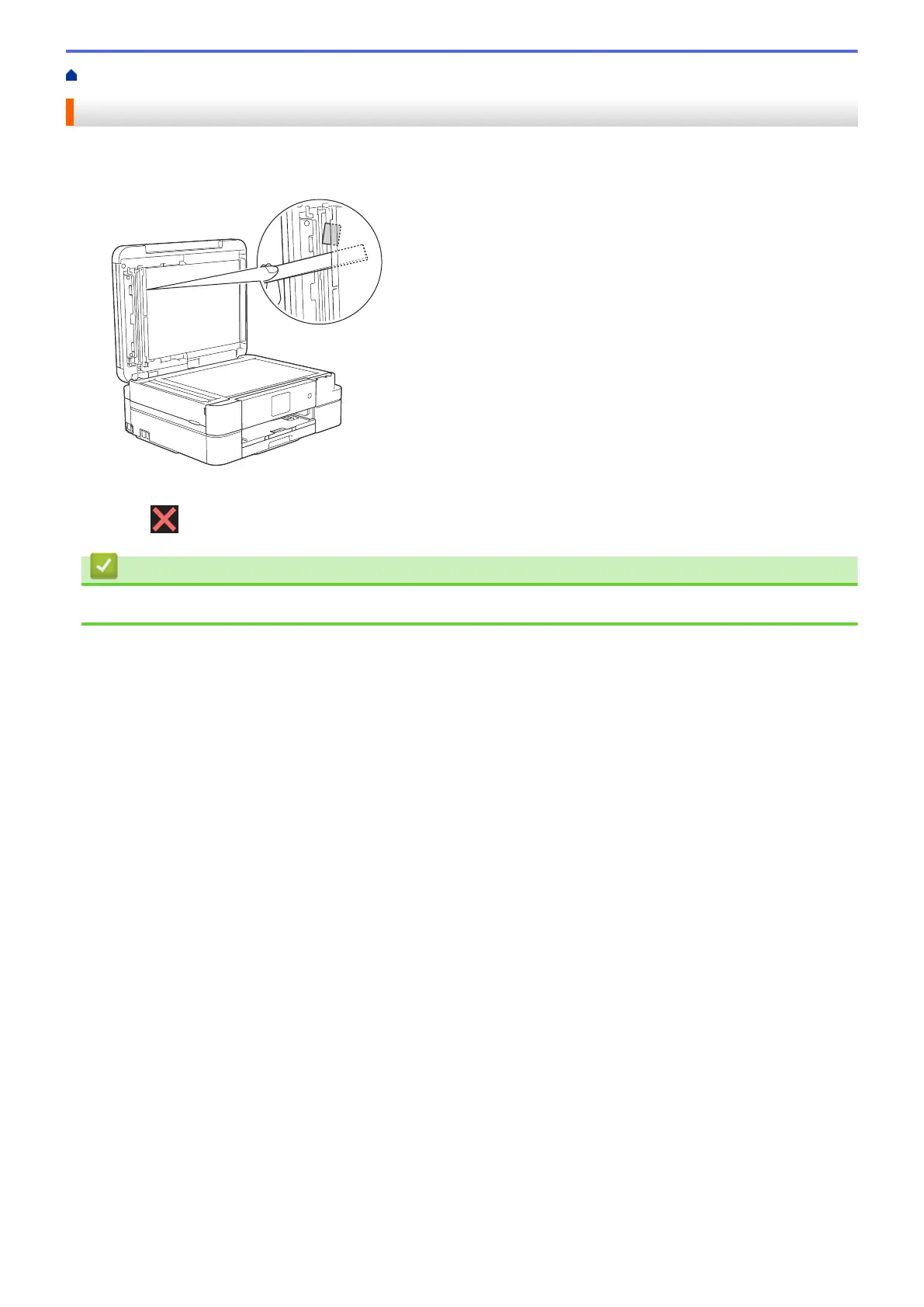
1. Lift the document cover.
2. Insert a piece of stiff paper, such as cardstock, into the ADF to push any small paper scraps through.
3. Close the document cover.
4. Press
.
Related Information
• Document Jams
419


 To Next Page
 Loading...