35
4
Overview 4
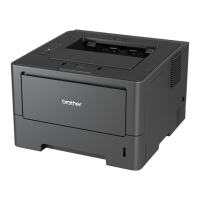
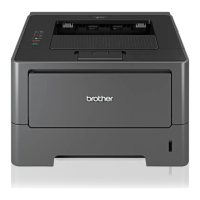
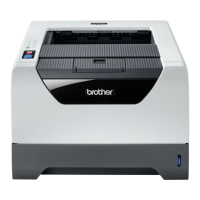
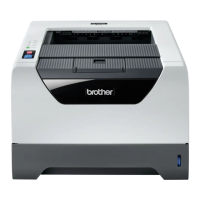
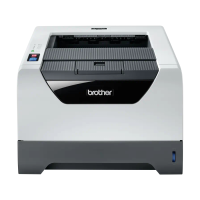
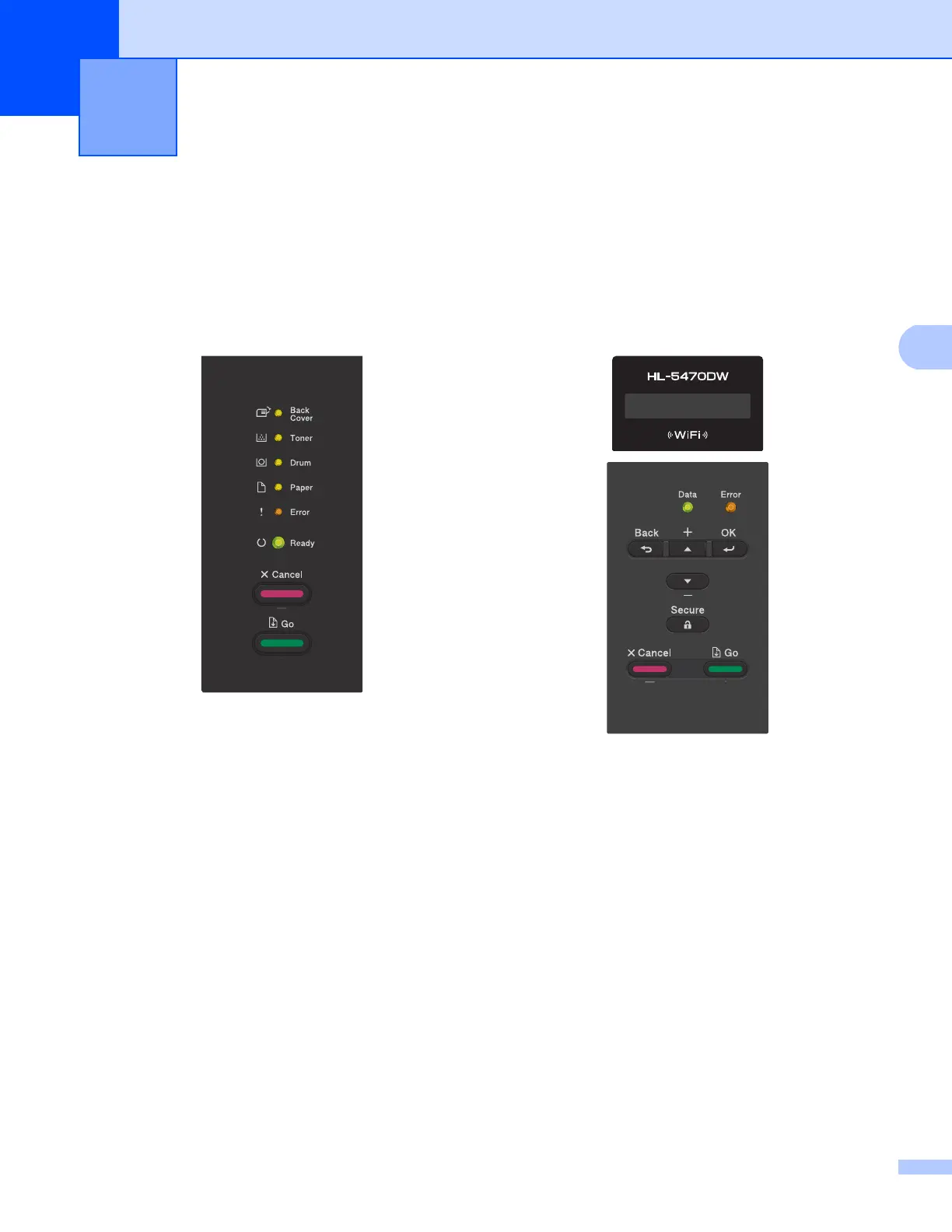
HL-5450DN(T) have six LEDs (Back Cover, Toner, Drum, Paper, Error and Ready) and two keys (Cancel
and Go) on the control panel.
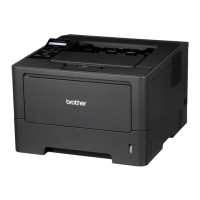
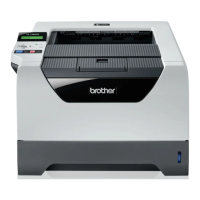
HL-5470DW(T) and HL-6180DW(T) one back lit Liquid Crystal Display (LCD), seven keys and two Light
Emitting Diodes (LEDs) on the control panel. The LCD is a 16 character single line display.
With the control panel you can do the following:
Change the print server settings using the control panel (For HL-5470DW(T) and HL-6180DW(T))
4
See Network menu (For HL-5470DW(T) and HL-6180DW(T)) uu page 36.
Reset the network settings to the factory default
4
See Reset the network settings to the factory default uu page 40.
Print the Printer Settings Page (For HL-5450DN(T)) or Network Configuration Report (For
HL-5470DW(T) and HL-6180DW(T))
4
See Printing the Printer Settings Page (For HL-5450DN(T)) uu page 41.
See Printing the Network Configuration Report (For HL-5470DW(T) and HL-6180DW(T)) uu page 41.
Printing the WLAN report (For HL-5470DW(T) and HL-6180DW(T))
4
See Printing the WLAN report (For HL-5470DW(T) and HL-6180DW(T)) uu page 42.
Control panel setup 4


 To Next Page
 Loading...