6. USING THE OPERATION PANEL (ADVANCED OPERATIONS)
KE-430F, BE-438F
53
6-6. Direct selection
You can use the function keys to directly select program numbers and cycle program numbers. However, if a program
number has nothing recorded, it will not be displayed.
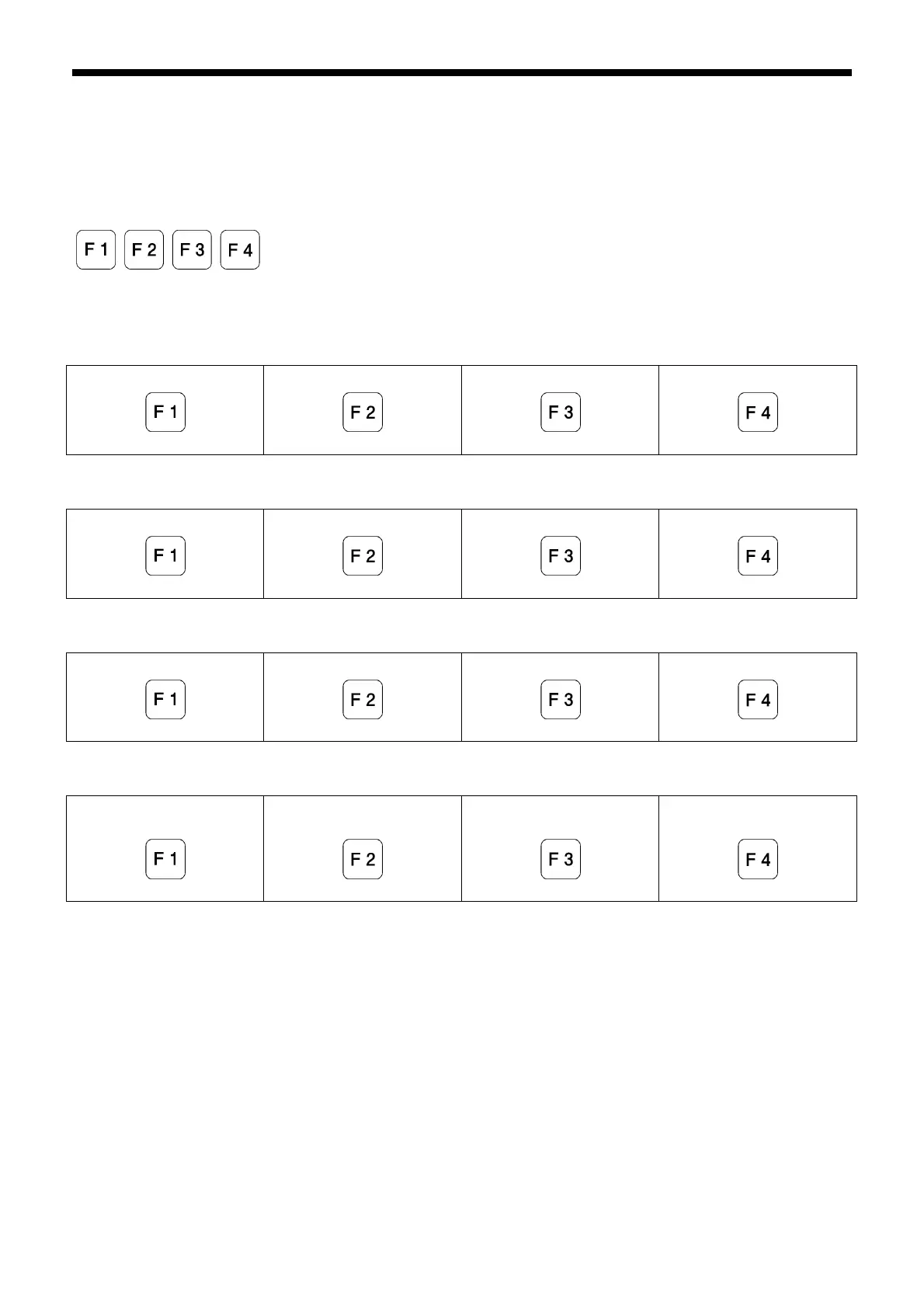
<Function keys>
The parameters which can be selected will vary depending on the memory switch settings.
406 = 0 (Initial setting)
Program No. 1
Program No.2
Program No.3
Program No.4
406=1
Program No.201
Program No.202
Program No.203
Program No.204
406=2
Program No.C01
Program No.C02
Program No.C03
Program No.C04
406=3
Item specified by memory
switch No. 407
Item specified by memory
switch No. 408
Item specified by memory
switch No. 409
Item specified by memory
switch No. 410
2441B
2442B
2443B
2444B 2445B
2442B
2443B
2444B 2445B
2442B
2443B
2444B 2445B
2442B 2443B
2444B 2445B



 To Next Page
 Loading...


