INSTALLING THE UPGRADE KIT CW
12
[Step 3] Certifying the Upgrade
The following procedure describes how to certify
the upgraded program.
a
Turn the embroidery machine off, then on
again.
b
Display the certification screen of the
Settings screen.
c
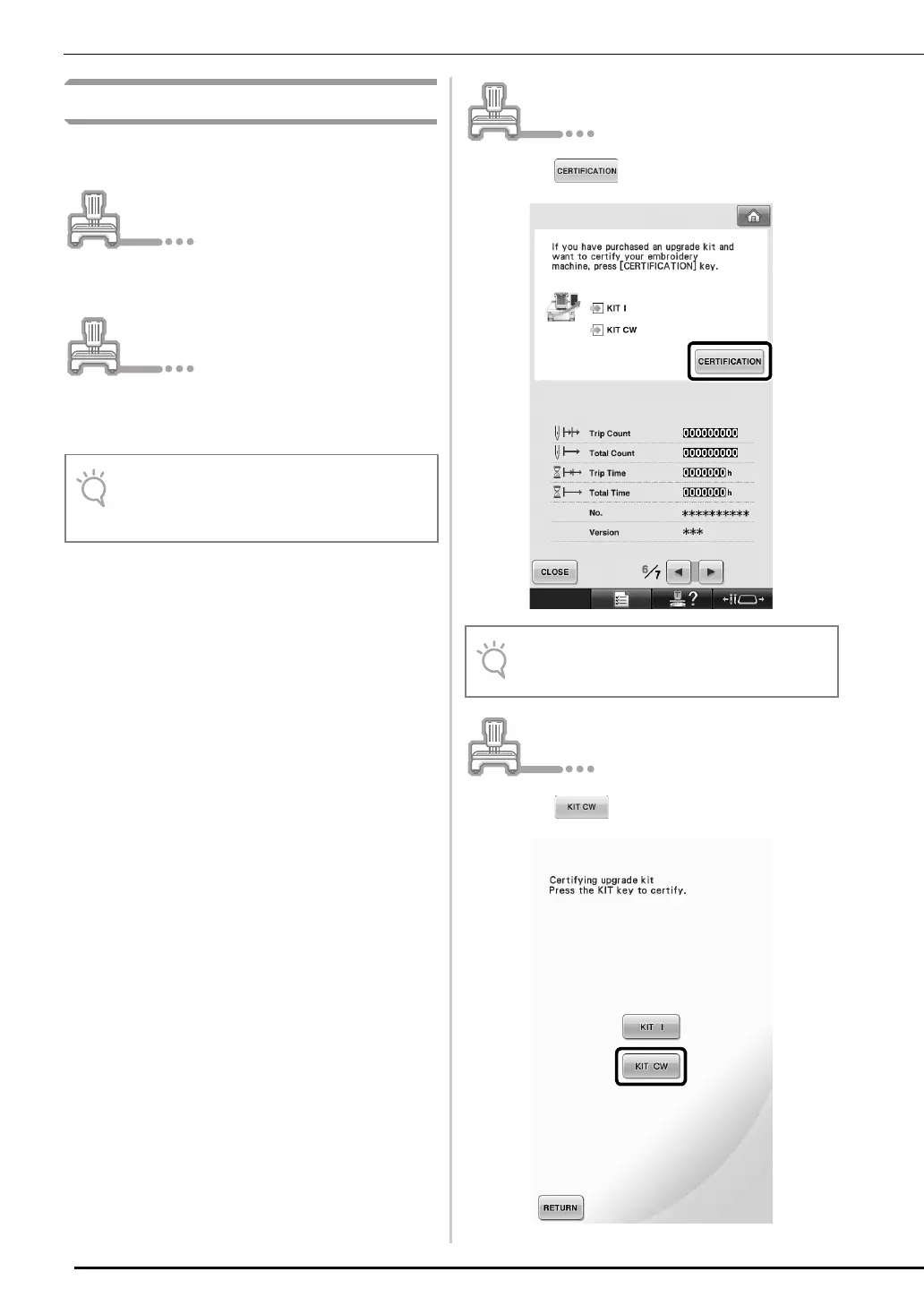
Press in the Settings screen.
d
Press in the following screen.
• The number of pages in the Settings screen
may differ depending on the machine
model.
• The screen may differ depending on the
version or machine model.



 To Next Page