Chapter 1
8
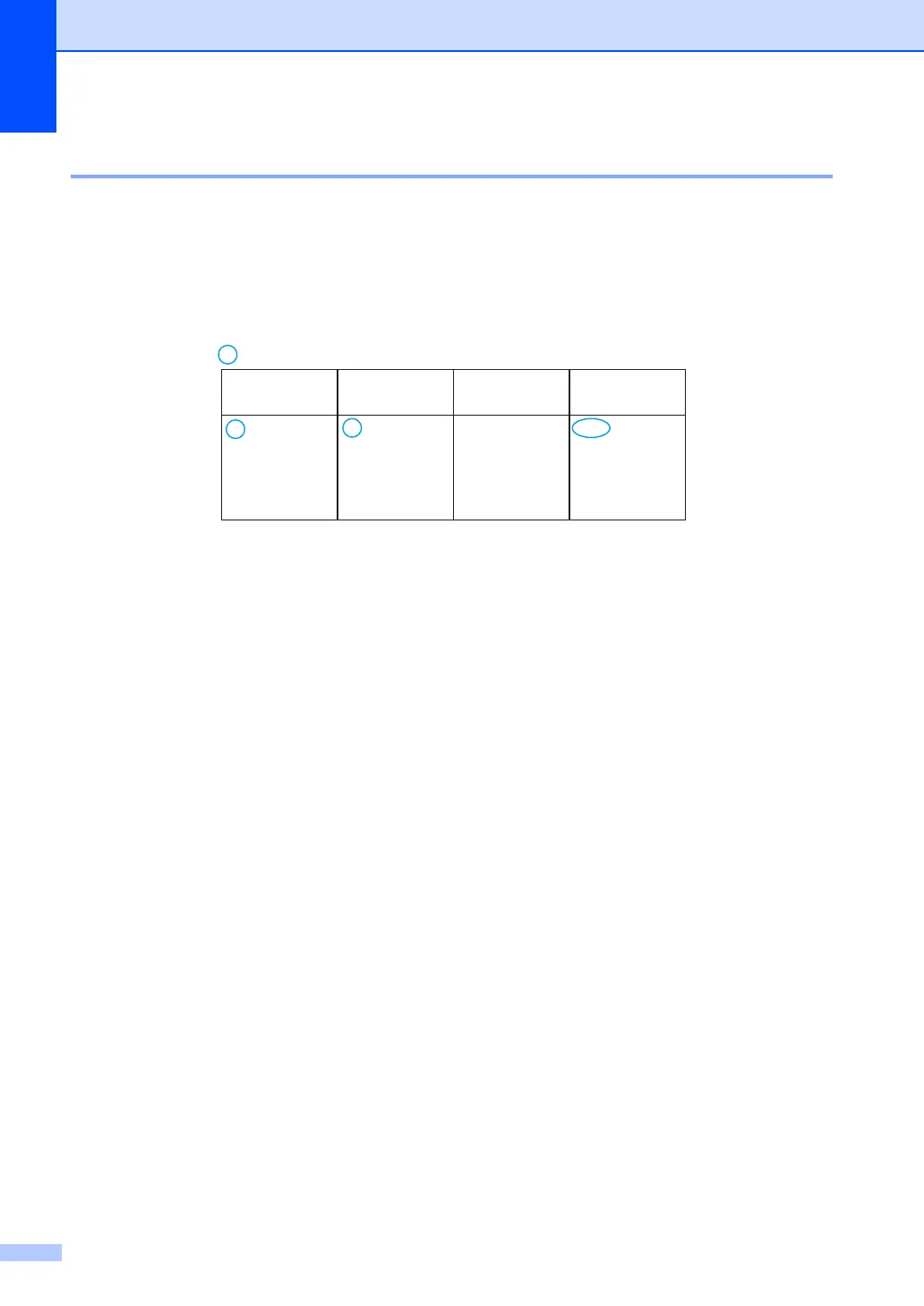
Menu table 1
Using the menu table, you can change the settings in your machine by pressing the number keys
or a and b and OK.
Press Menu, and then according to what is shown on the LCD, press the number keys or a and b
to highlight different menu options. Press OK to select an option.
In the below example, the ring volume setting is changed from Med to Low.
a Press Menu.
b Press 1 to choose General Setup.
c Press 3 to choose Volume.
d Press 1 to choose Ring.
e Press a or b to display Low.
f Press OK.
g Press Stop/Exit.
1.General Setup
Level 2
3.Volume 1.Ring Low
Med*
High
Off
Level 3 Descriptions 1 Options
Adjust the ring
volume.







 To Next Page