Chapter 1
4
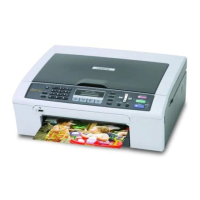
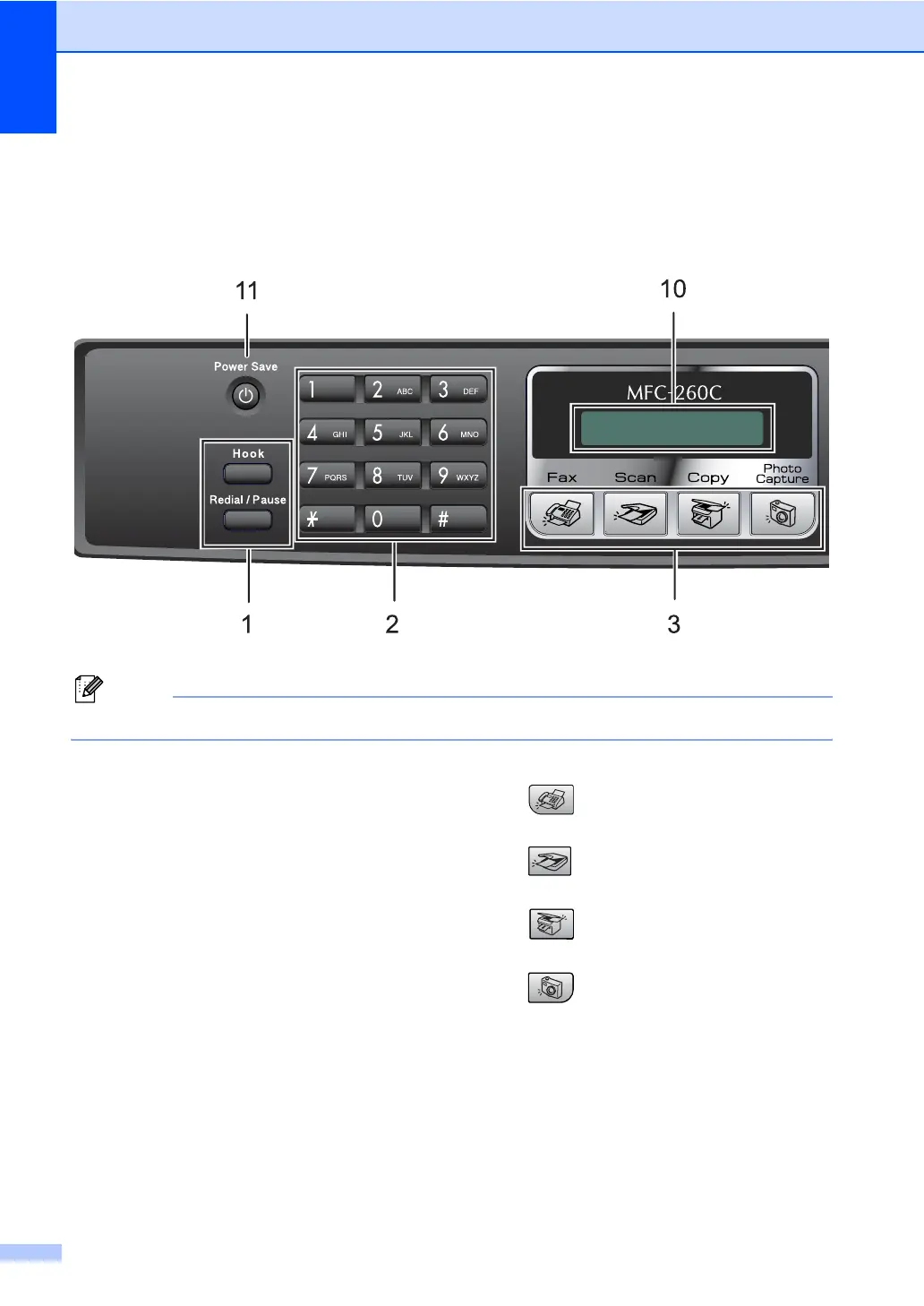
MFC-260C Control panel overview 1
The MFC-235C and MFC-260C have the same control panel keys.
Note
Most of the illustrations in this User’s Guide show the MFC-260C.
1 Fax keys:
Redial/Pause
Redials the last number called. It also
inserts a pause when programming quick
dial numbers.
Hook
Press before dialling if you want to make
sure a fax machine answers, and then
press Start. Also, press this key after you
pick up the handset of an external
telephone during the F/T ring (fast
doublerings).
2 Dial Pad
Use these keys to dial telephone and fax
numbers and as a keyboard for entering
information into the machine.
The # key lets you temporarily switch the
dialling mode during a telephone call from
Pulse to Tone. (Not Available in New Zealand)
3 Mode keys:
Fax
Lets you access Fax mode.
Scan
Lets you access Scan mode.
Copy
Lets you access Copy mode.
PhotoCapture
Lets you access PhotoCapture Center™
mode.
4 Fax Resolution
Lets you temporarily change the resolution
when sending a fax.
5 Ink Management
Lets you clean the print head, check the print
quality, and check the available ink volume.



 To Next Page
 Loading...