42
8
How to dial 8
You can dial in any of the following ways.
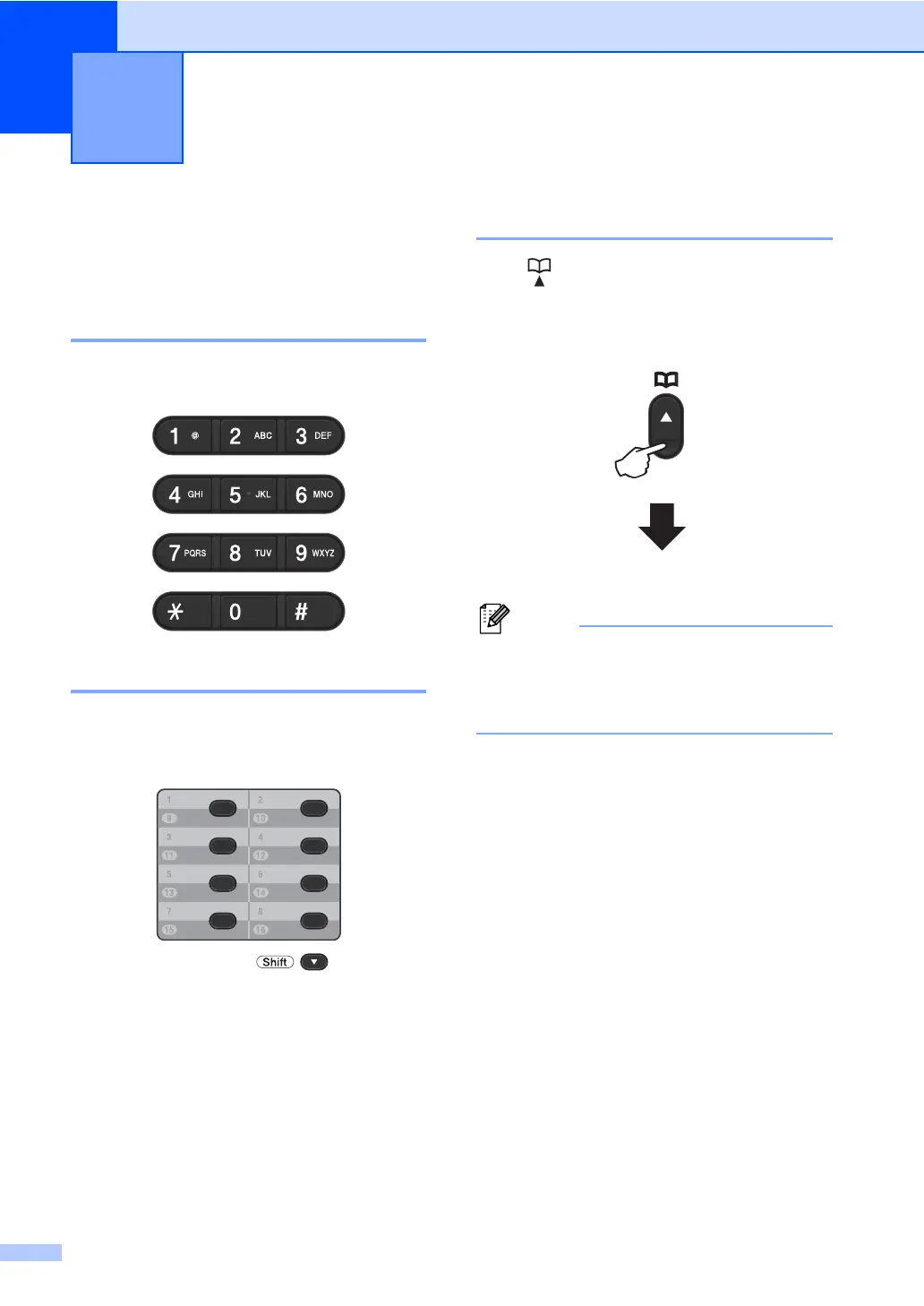
Manual dialling 8
Use the dial pad to enter all the digits of the
telephone or fax number.
One Touch dialling 8
Press the One Touch key that stores the
number you want to call. (See Storing One
Touch Dial numbers uu page 46.)
To dial One Touch numbers 9 to 16, hold
down Shift and then press the One Touch
key.
Speed dialling 8
Press (Address Book) twice and enter
the three digit Speed Dial number. (See
Storing Speed Dial numbers uu page 48.)
If the LCD shows Register Now? when
you enter a One Touch or a Speed Dial
number, it means that a number is not
stored there.
Dialling and storing numbers 8
Three-digit number


 To Next Page
 Loading...












