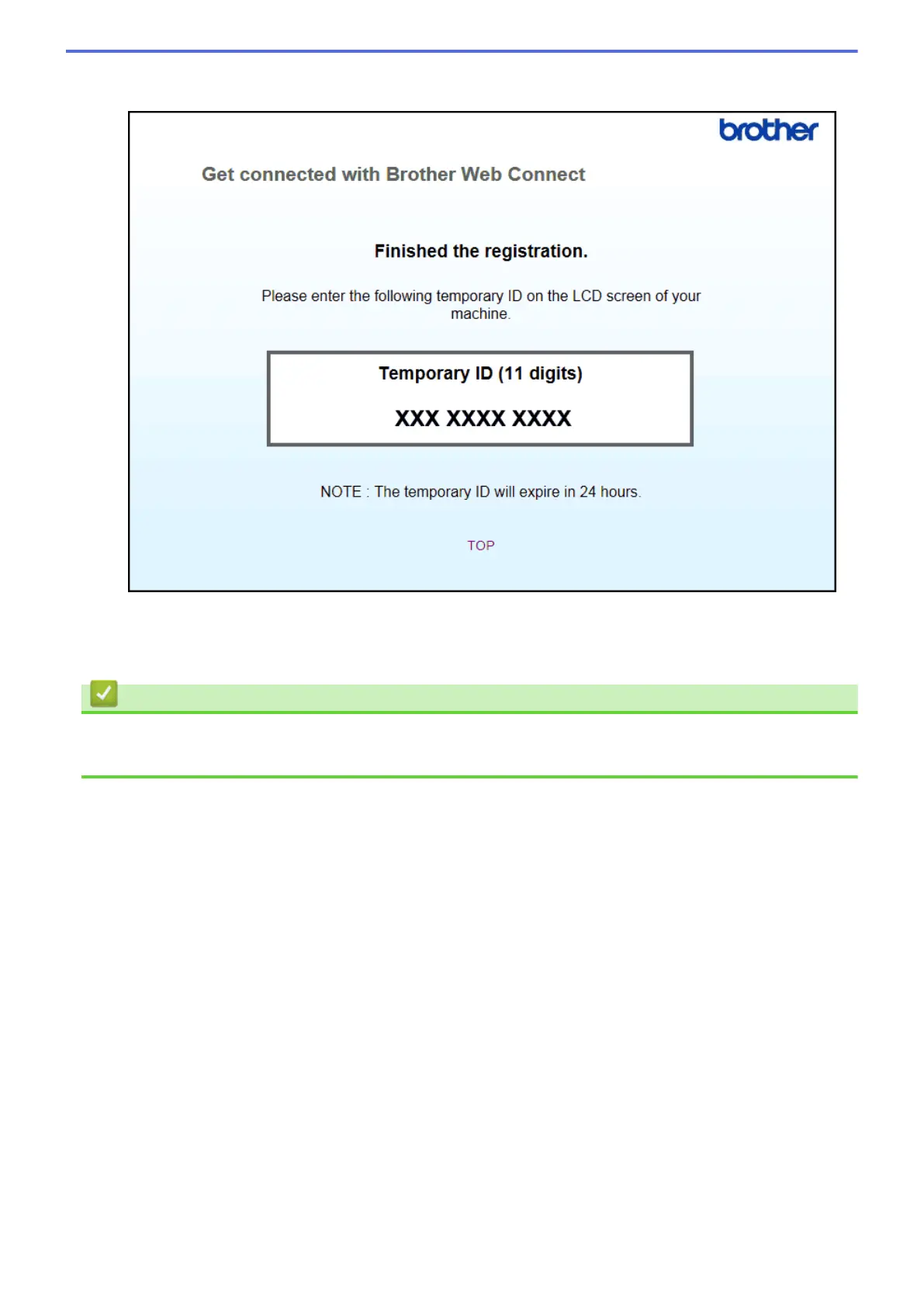
4. Make a note of your temporary ID, as you will need it to register accounts to the machine. The temporary ID
is valid for 24 hours.
5. Close the web browser.
Now that you have a Brother Web Connect access ID, you must register this ID on your machine, and then use
your machine to access the desired web service.
Related Information
• Set Up Brother Web Connect
• Register an Account on Your Brother Machine
15



 To Next Page
 Loading...