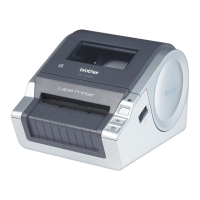
How to Transfer Templates with P-touch Transfer Express (Windows only)
97
12
Transfer the Transfer Package File (.pdz) to Your Label
Printer 12
Using the P-touch Transfer Express application received from the administrator, you can transfer the Transfer
Package file (.pdz) to the Label Printer.
Do not turn off the power when transferring templates.
a Turn on the Label Printer.
b Using a USB Cable, connect the Label Printer to the computer.
c Double-click PtTrExp.exe, which was received from the administrator.
d Transfer a Transfer Package file (.pdz) to the Label Printer.
Transferring a single Transfer Package file (.pdz)
1 When there is a single Transfer Package file (.pdz) within the folder containing PtTrExp.exe, click
Transfer.
2 The transfer of the Transfer Package file begins.



 To Next Page
 Loading...