134
UTILITY STITCHES — — — — — — — — — — — — — — — — — — — — — — — — — — — — — — — — — — — — — — — — — — —
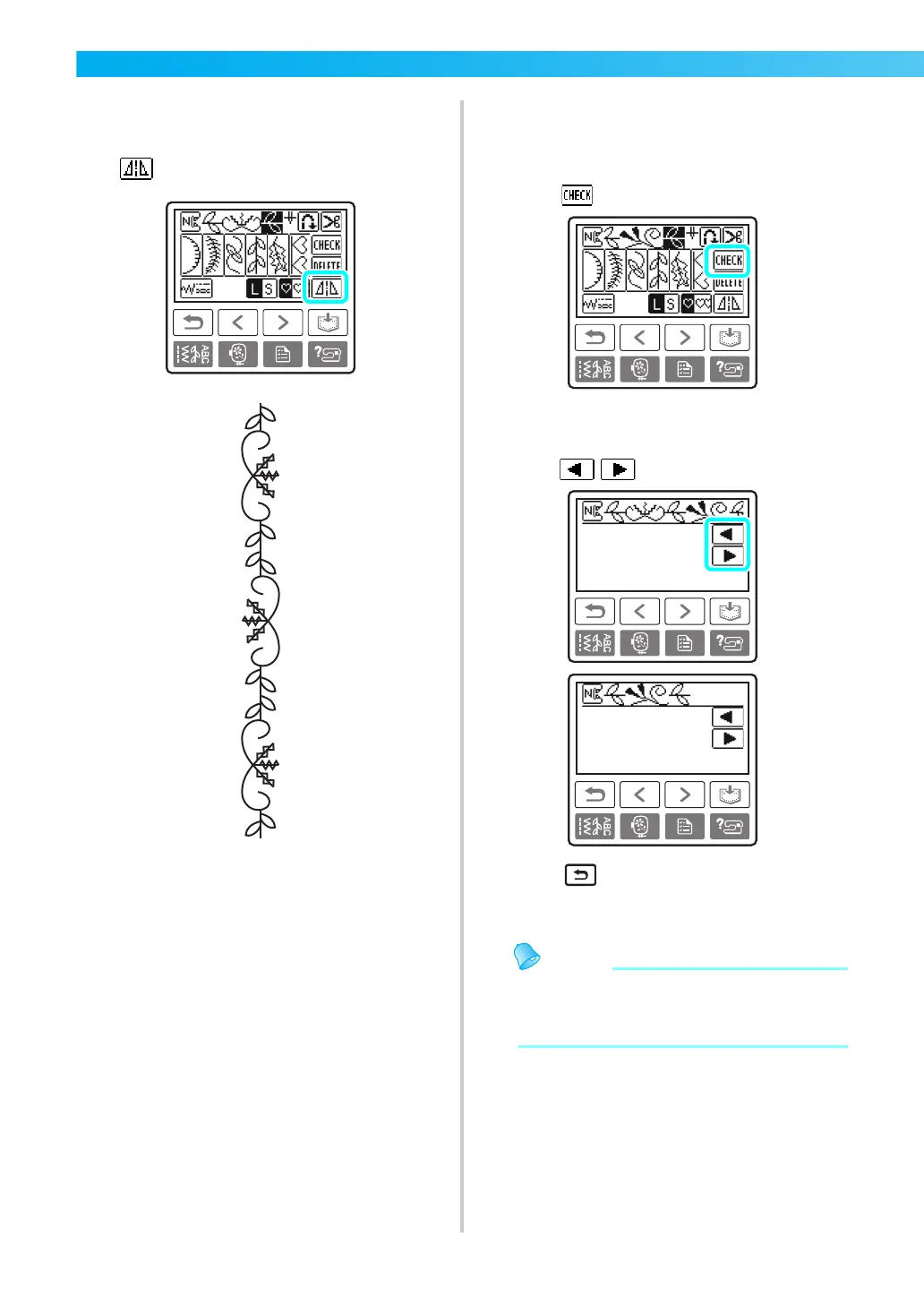
■ Mirroring a pattern image
a
After a single pattern has been selected, press
to mirror the pattern image horizontally.
■ Checking the pattern
When the specified pattern is not displayed on the
screen, check the pattern using the following steps.
a
Press .
X The screen for checking the pattern is
displayed.
b
Press , and confirm the pattern.
c
Press (Back key).
X The initial screen appears again.
z The combined pattern can be saved for later
use. For details, refer to “Saving patterns”
(page 135).











 To Next Page