170
EMBROIDERY — — — — — — — — — — — — — — — — — — — — — — — — — — — — — — — — — — — — — — — — — — — — —
i
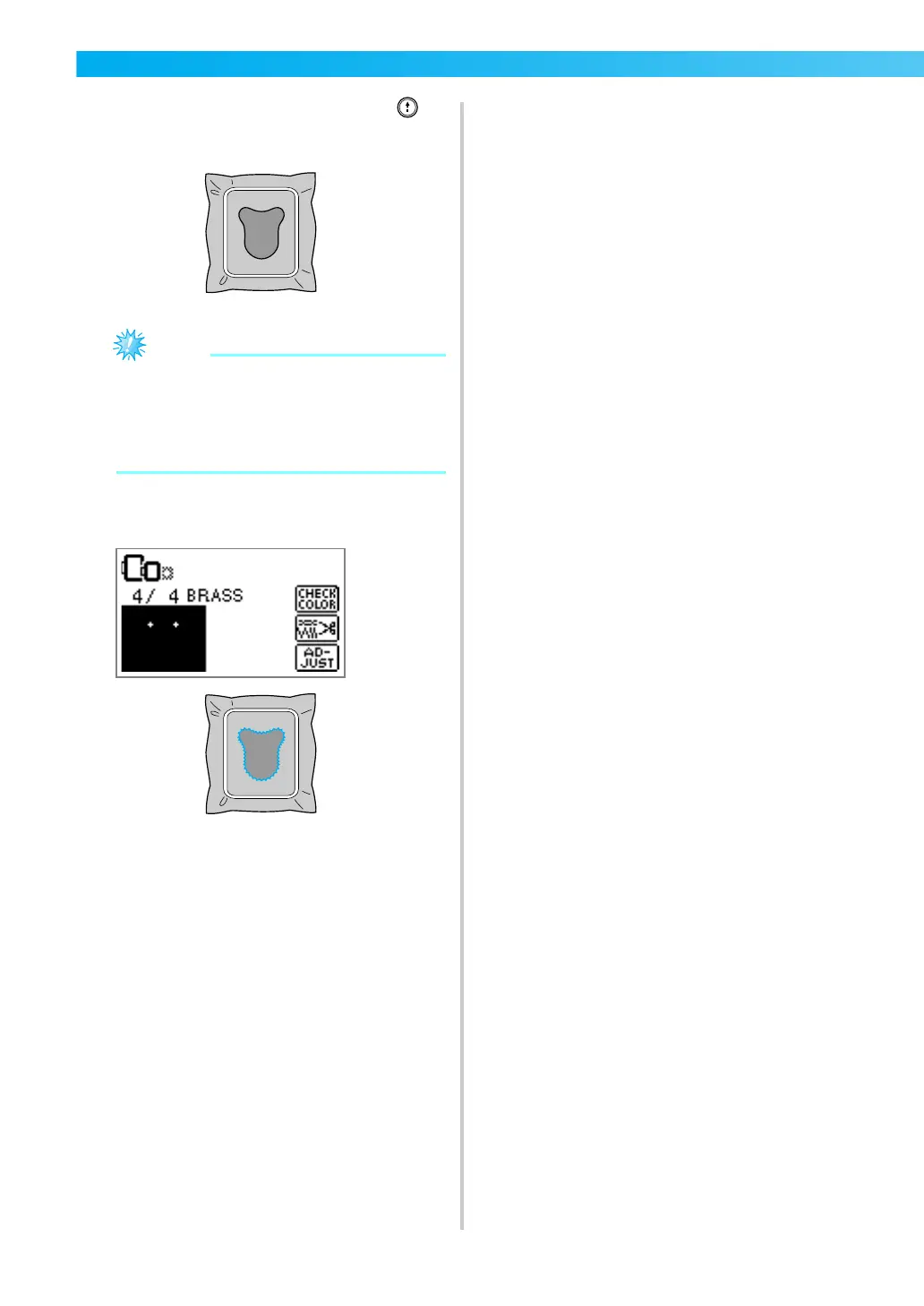
Lower the presser foot lever, and press
(“Start/Stop” button).
z When “APPLIQUE MATERIAL”, “APPLIQUE
POSITION” and “APPLIQUE” are displayed,
a specific color thread does not appear. Use
a proper color thread to match the appliqué
piece.
j
Follow the instructions on the screen, and
change thread colors as you sew.











 To Next Page