GETTING READY — — — — — — — — — — — — — — — — — — — — — — — — — — — — — — — — — — — — — — — — — — — —
24
d
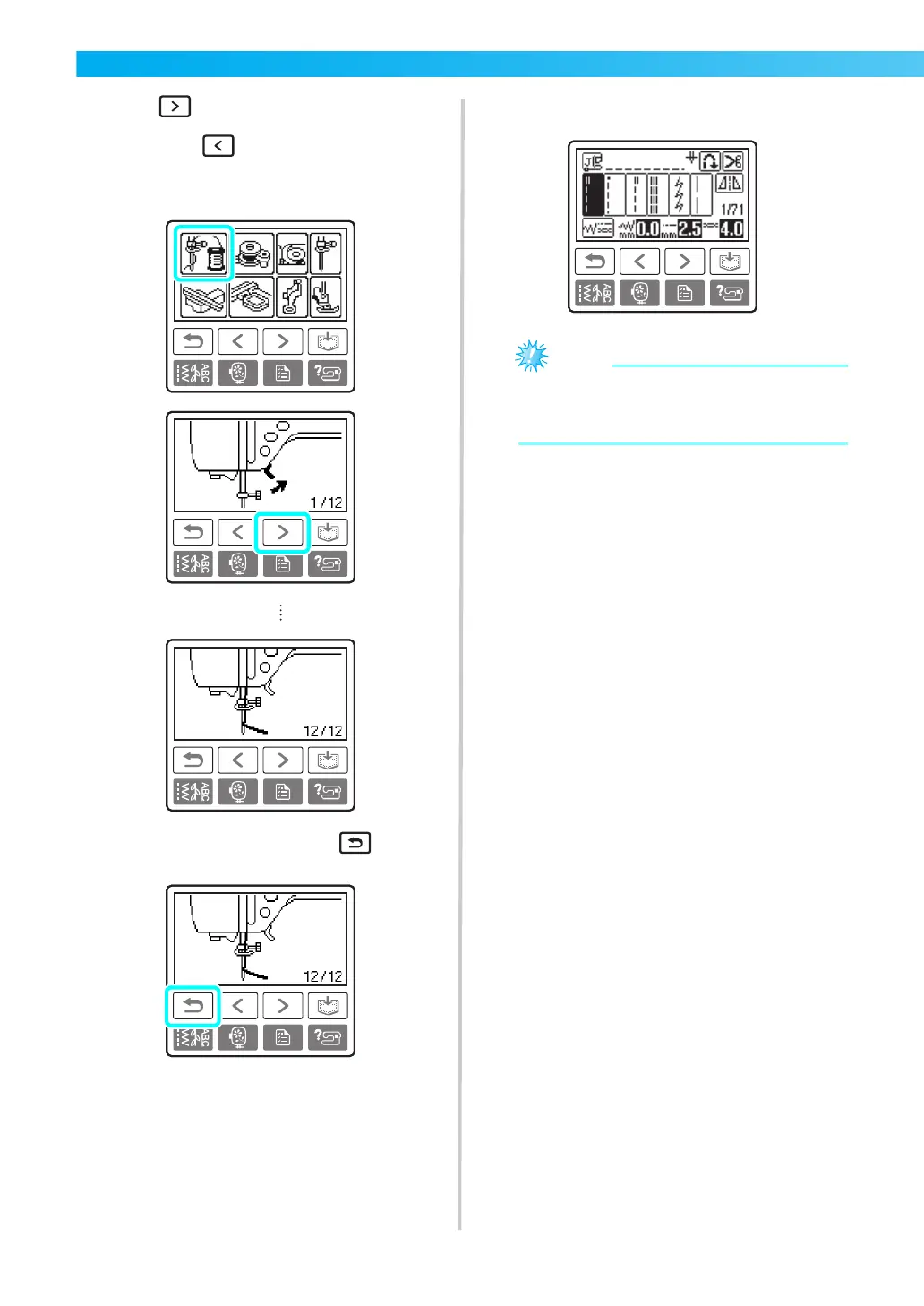
Press (Next page key) to switch to the
next page.
If you press (Previous page key), you
return to the previous page.
Example: Upper threading
e
After you finish looking, press (Back
key) two times.
X The initial stitch screen appears again.
z For details on each topic, refer to the
corresponding page in this Operation
Manual.











 To Next Page