75
MAINTENANCE
COOLING SYSTEM
3
Flushing — Outboard Not Running
Outboard can be in VERTICAL (DOWN) or
TILTED (UP) position.
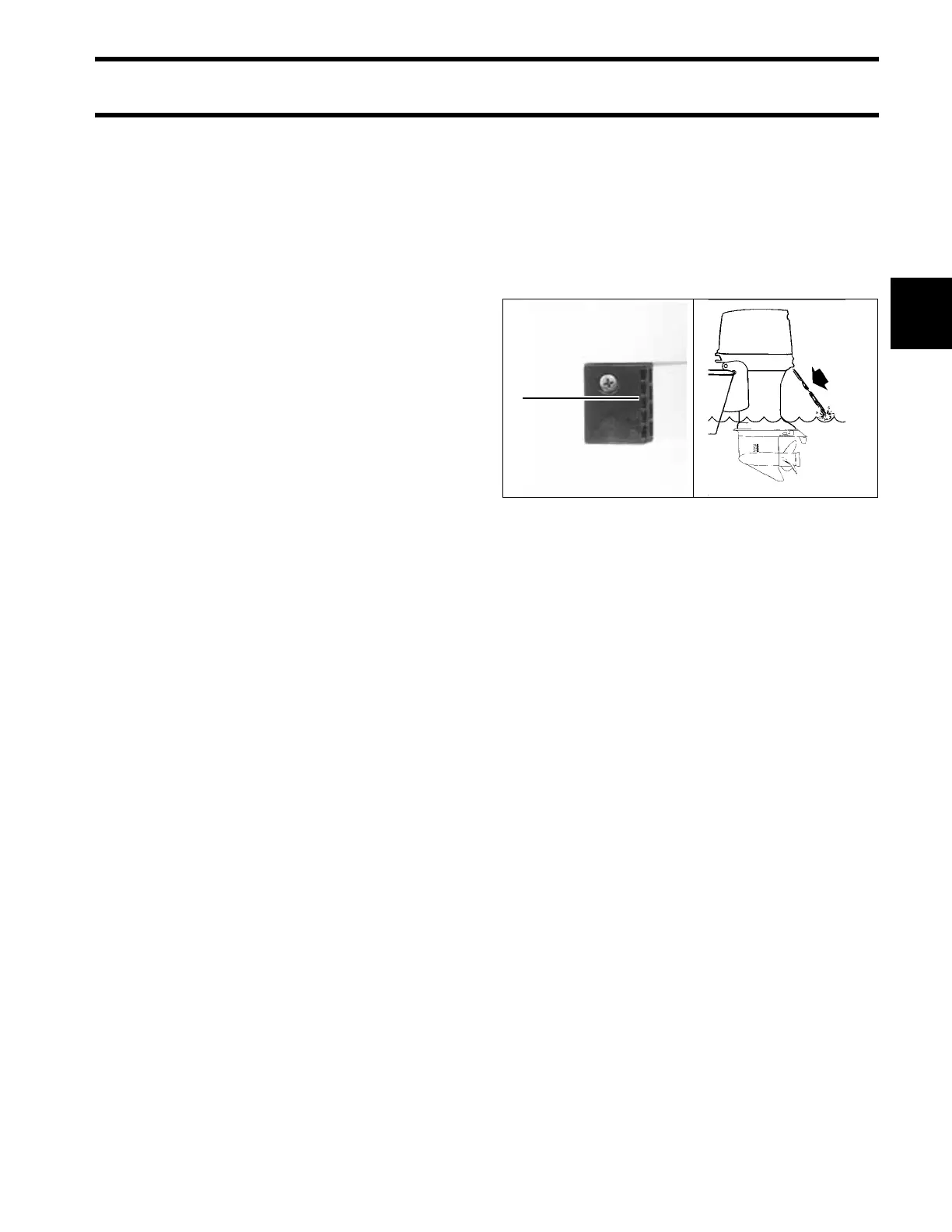
Remove plug and nozzle (overboard indicator)
from the flushing port.
Thread garden hose into flushing port.
Turn water supply ON.
Flush outboard for at least five minutes.
Turn off water supply and remove garden hose.
Reinstall plug and nozzle. Position the plug and
nozzle to allow the water stream to be seen from
the helm.
Position outboard in VERTICAL position (DOWN)
long enough to allow the powerhead to drain com-
pletely.
Water Intake Screens
Inspect condition of water intake screens. Clean
or replace as needed.
Confirm function of overboard water pressure indi-
cator.
Clean or replace plug and nozzle as needed.
Additional Maintenance
• Check Engine Monitor function.
• Check operation or visually inspect thermostats
and pressure relief valve. Clean or replace as
needed.
• Check that all water passages, hoses, and fit-
tings for both the EMM and the vapor separator
flow water freely.
• Replace water pump.
TYPICAL
1. Water intake screen
2. Overboard water pressure
drc4952arev
1
2







 To Next Page