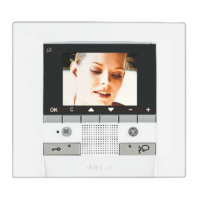
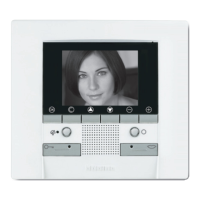
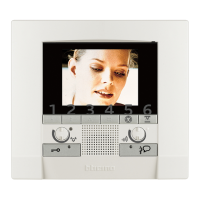
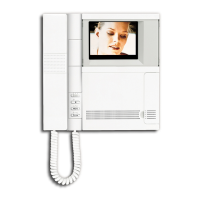
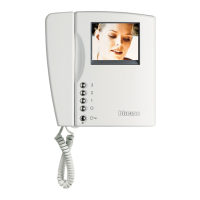
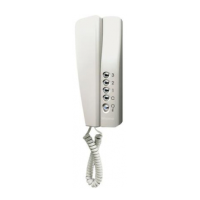
Polyx Memory Display
17
User guide
Press OK. The video
is paused.
It will now be pos-
sible to delete the
selected video using
the Delete icon, or
resume playback by
selecting Play
After resuming
playback press C to
return to the messa-
ge list
1.4.2 Record a "Memo" message
This function can be used to record an audio message directly from the
Polyx Memory Display.
Select the function
Press OK to confirm
A BEEP will mark the start of
recording
It is now possible to record
a message up to 16 seconds
long
A BEEP will indicate end of the
recording
The message will be shown
together with the ones from
the entrance panel
RECORD MEMO
RECORD MEMO
DELETE


 To Next Page
 Loading...