8
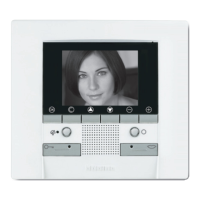
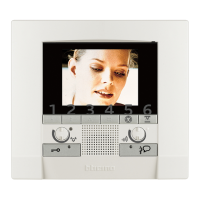
Three possible solutions for drawing up the main menu are given
below:
• menu with COMMUNICATION functions;
• menu with HOME AUTOMATION functions;
• CUSTOMISED menu.
Use the
keys to select the functions from those available:
1 - Submenu and commands
2 - Use the settings icon to access a series of adjustments/services de-
scribed below
1 1 1
1 1 2
COMMUNICATION
Main menu example with programming of just the communication
commands.
HOME AUTOMATION
Main menu example with communication and home automation
submenu.
1.3 Menu functions
Use the OK key to access the main menu:
1 2 2
2 3 4
1 2 3
1 - Answering machine
2 - Intercommunication
3 - Staircase lights
4 - Settings
1 - Communication
2 - Scenarios
3 - Alarms
4 - Sound system
5 - Temperature control
6 - Settings
1 Introduction and basic functions
SCENARIOS
SETTINGS
ANSW. MACHINE
4 5 6


 To Next Page
 Loading...