First steps with your RC30
5
17
We reserve the right to make any changes due to technical modifications.
Operating instructions RC30 programmable room thermostat • Issue 02/2006
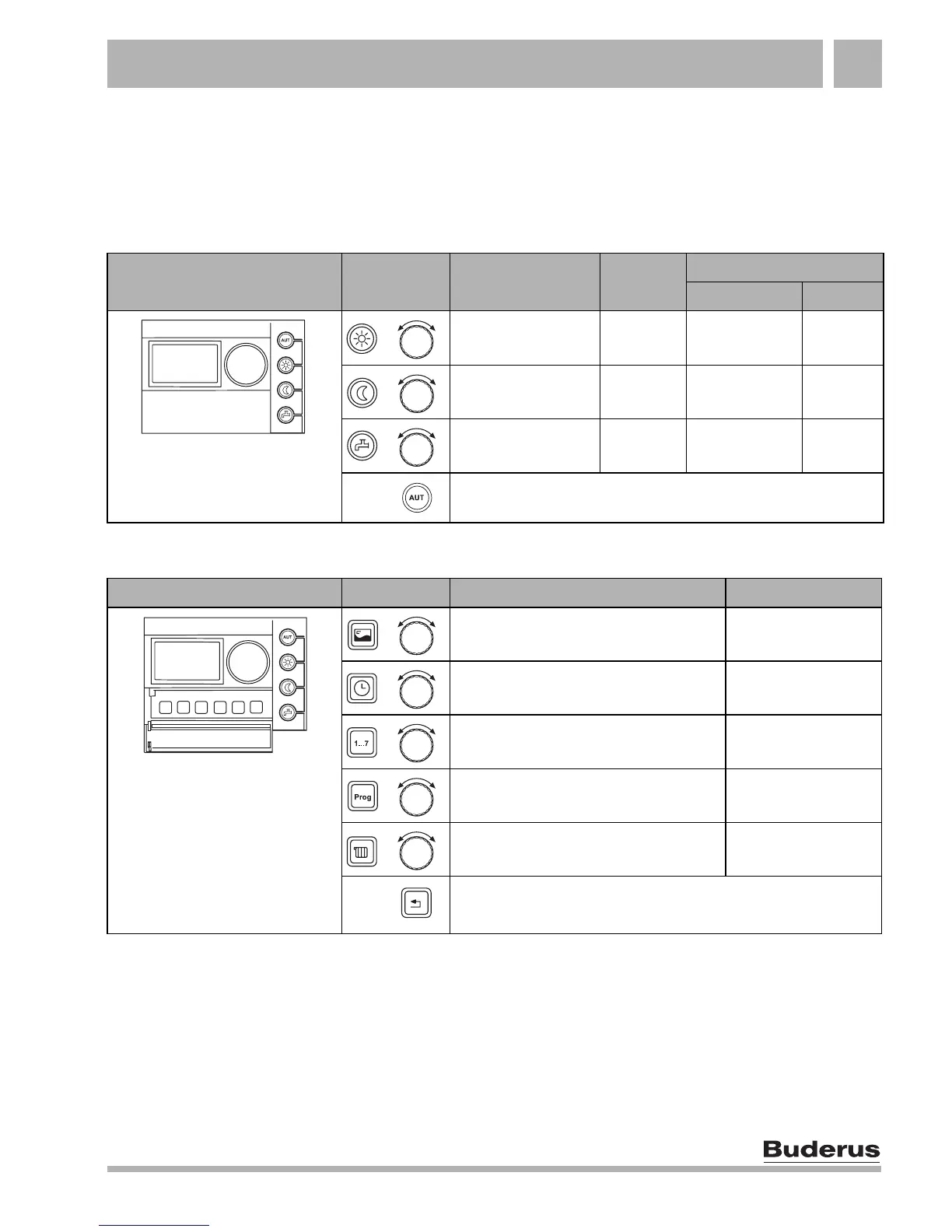
5.2 Quick reference guide
For funktions press and hold button, turn dail to select value, release button.
Setting temperatures (Basic functions, Chapter 7, page 20)
Extended functions (Chapter 8, page 30)
Buttons Function
Factory
setting
Setting
Range System
Temperature for
day mode
21 °C 11 – 30 °C
Temperature for
night mode
17 °C 10 – 29 °C
DHW temperature 60 °C 30 – 60(80) °C
Return to Automatic mode after changing the day or night
temperature
Flap closed
+
+
+
Buttons Function Page
Changing the standard display page 55
Setting the time page 34
Setting the date page 33
Selecting a heating program page 39
Select: heating circuit, DHW, solar page 35
Back to previous level (menu), settings are retained
Flap open
+
+
+
+
+



 To Next Page