Extended functions 8
33
We reserve the right to make any changes due to technical modifications.
Operating instructions RC30 programmable room thermostat • Issue 02/2006
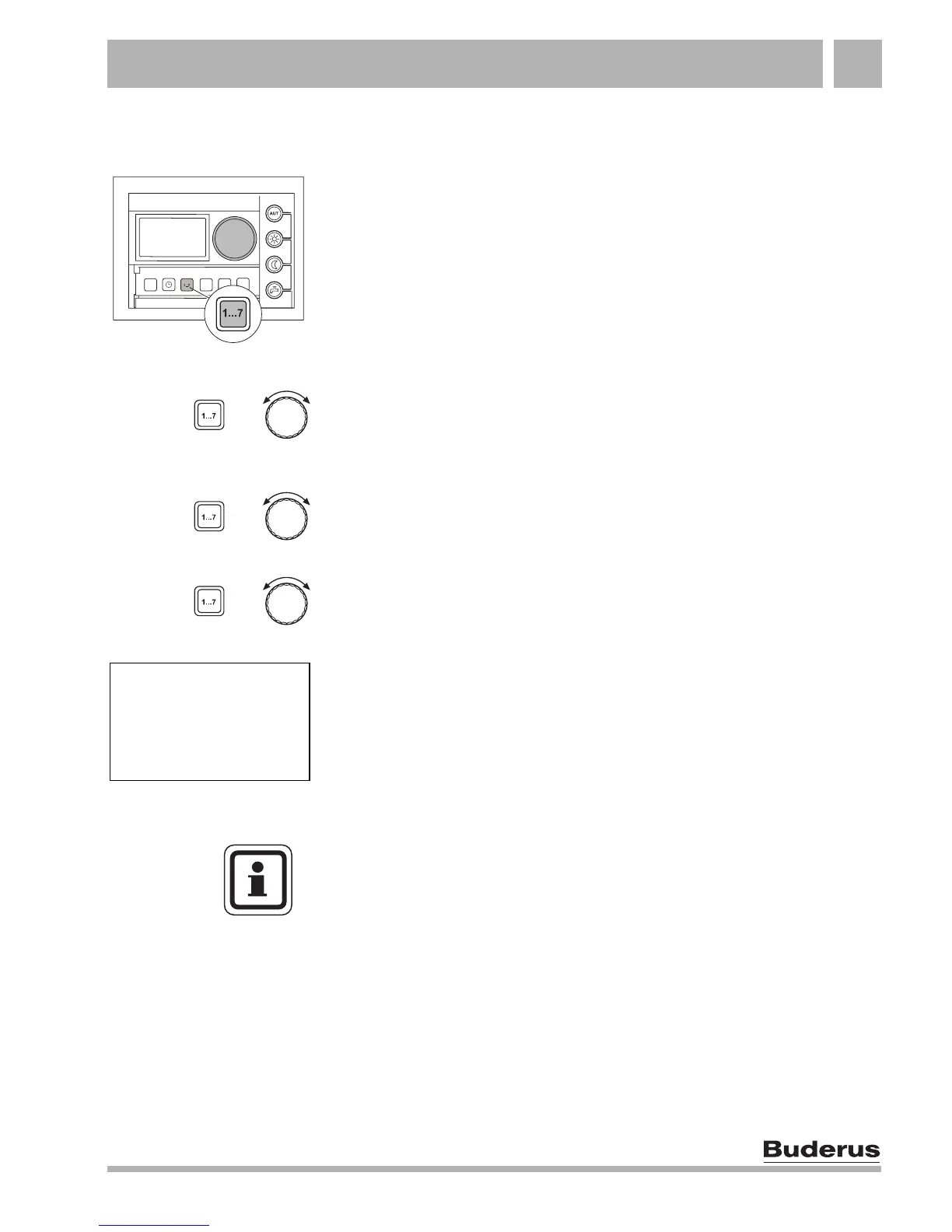
8.4 Setting the date
The correct date must be set on your heating system in order for it
to work properly. After an extended power failure, for example, you
will therefore have to reset the date on the RC30.
Hold down "Weekday" and select the current day with the dial.
The day of the week is automatically changed.
Release the "Weekday" button.
Hold down "Weekday" again and select the current month with the
dial.
Release the "Weekday" button.
Hold down "Weekday" again and select the current year with the
dial.
Release the "Weekday" button. The new date is saved.
+
+
+
DATE INPUT
WEDNESDAY
22.05.02
USER NOTE
If no day is displayed, an invalid date has been entered, such as
31.02.03. This date is not saved.



 To Next Page