Special functions (additional menu) 9
57
We reserve the right to make any changes due to technical modifications.
Operating instructions RC30 programmable room thermostat • Issue 02/2006
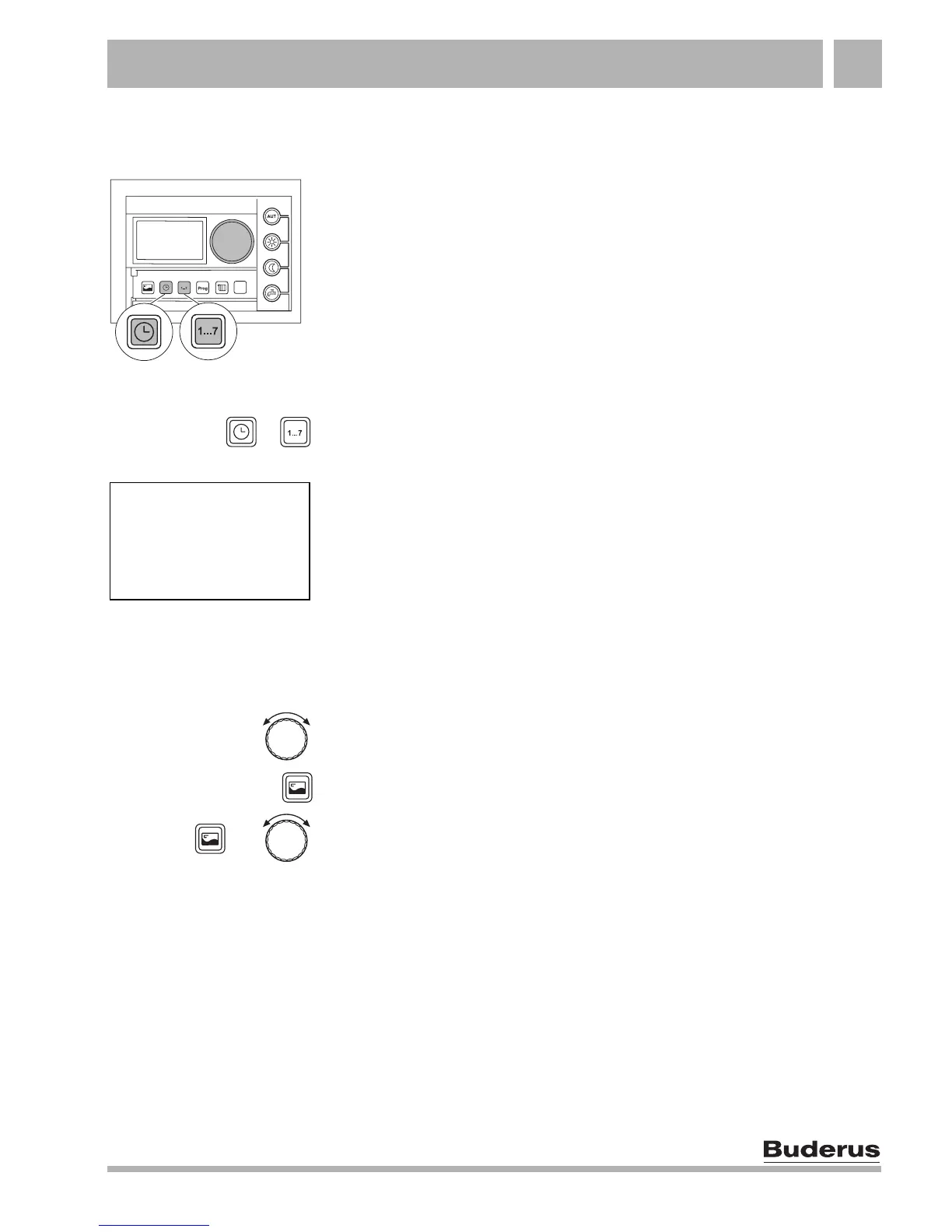
9.1 Opening and using the additional menu
Opening the additional menu
Press the "Time" and "Weekday" buttons simultaneously and
release them again.
You are now in the additional menu and can access the special
functions.
Using the additional menu
The special functions are selected using the dial and the "Display"
button.
Turn the dial to move between the menu options.
Press and release the "Display" button to select a menu option.
Hold down the "Display" button and simultaneously turn the dial to
change a value.
Release the "Display" button to store a changed value.
+
ADD MENU
HOLIDAY
+



 To Next Page