Extended functions8
54 Operating instructions RC30 programmable room thermostat • Issue 02/2006
We reserve the right to make any changes due to technical modifications.
Choose the operating mode you require for DHW circulation by
pressing a button:
After pressing the button, the display returns to the standard
display.
8.18 Entering a DHW circulation program
With a DHW circulation program you can enter the ON and OFF
times for the DHW circulation pump independently from the
heating program. Proceed in the same way as for entering a DHW
program (see Chapter 8.16 "Entering a DHW program", page 51).
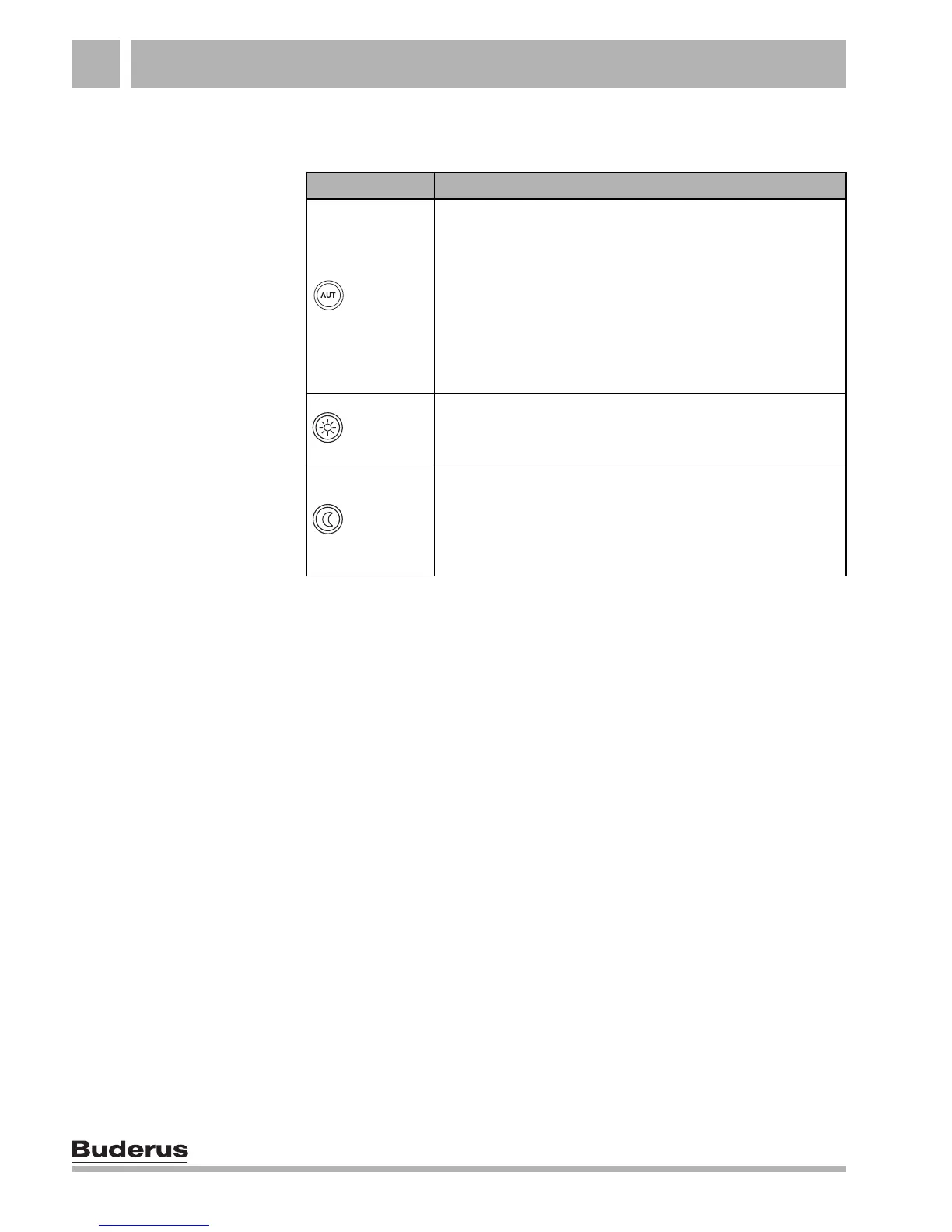
Button DHW circulation operating mode
"AUT"
"DHW CIRC AUTO DAY" (automatic mode)
30 minutes before the first heating circuit is switched on,
the DHW circulation pump starts to run at the set interval
and stops when the last heating circuit is switched off
(factory setting). The "DAY" or "NIGHT" display
indicates the current operating status, i.e. the DHW
circulation pump is switched on or off.
Alternatively, you can enter a separate DHW circulation
program.
"Day
mode"
"DHW CIRC CONSTANT OP"
The DHW circulation pump will operate at the set
interval, i.e. independent of the heating circuits.
"Night
mode"
"DHW CIRC OFF"
There will be no interval selection of the DHW circulation
pump. When you press the "DHW" button, you switch
the DHW circulation pump ON for the duration of the
single DHW loading.
Tab. 5 DHW circulation operating mode



 To Next Page