Extended functions 8
41
We reserve the right to make any changes due to technical modifications.
Operating instructions RC30 programmable room thermostat • Issue 02/2006
8.10 Overview of the preset heating programs
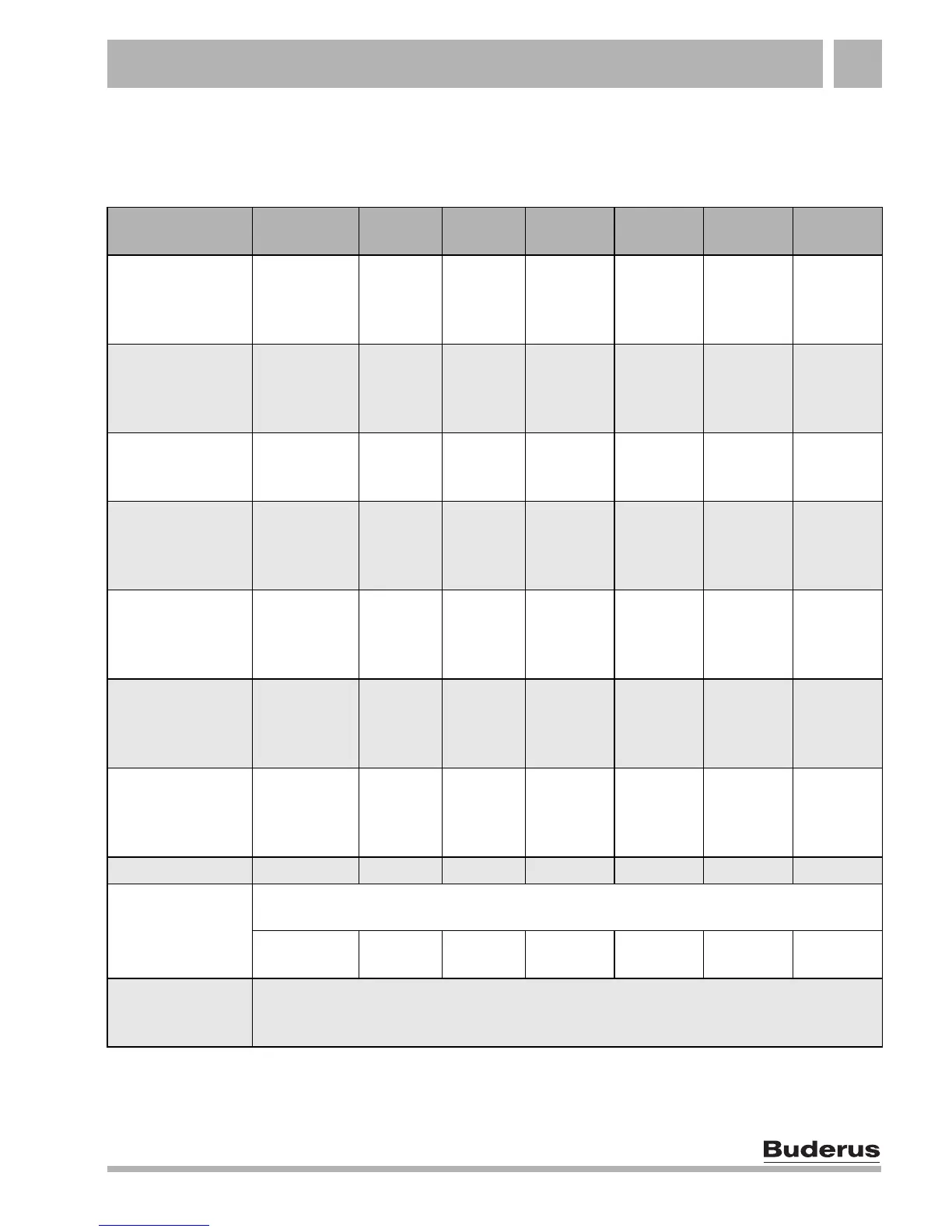
Tab.3 Preset heating programs ("On" = day "Normal" mode, "Off" = night "Reduced" mode)
Program name Day
ON
Normal
OFF
Reduced
ON
Normal
OFF
Reduced
ON
Normal
OFF
Reduced
"FAMILY"
Mo–Th
Fr
Sa
Su
5:30
5:30
6:30
7:00
22:00
23:00
23:30
22:00
"EARL
MORNING"
Early shift work
Mo–Th
Fr
Sa
Su
4:30
4:30
6:30
7:00
22:00
23:00
23:30
22:00
"EVENING"
Late shift work
Mo–Fr
Sa
Su
6:30
6:30
7:00
23:00
23:30
23:00
"MORNING"
Part-time work in
the morning
Mo–Th
Fr
Sa
Su
5:30
5:30
6:30
7:00
8:30
8:30
23:30
22:00
12:00
12:00
22:00
23:00
"AFTERNOON"
Part-time work in
the afternoon
Mo–Th
Fr
Sa
Su
6:00
6:00
6:30
7:00
11:30
11:30
23:30
22:00
16:00
15:00
22:00
23:00
"MID DAY"
Lunch at home
Mo–Th
Fr
Sa
Su
6:00
6:00
6:00
7:00
8:00
8:00
23:00
22:00
11:30
11:30
13:00
23:00
17:00 22:00
"SINGLES"
Mo–Th
Fr
Sa
Su
6:00
6:00
7:00
8:00
8:00
8:00
23:30
22:00
16:00
15:00
22:00
23:00
"SENIORS" Mo–Su 5:30 22:00
"NEW PROG"
You can enter your own program here:
"OWN PROG"
If none of the preset heating programs suit you, you may alter it, have it changed by
your installer or enter a completely new heating program (see Chapter 8.12 "Creating
a new heating program", page 45). This is stored under "OWN PROG".



 To Next Page