Extended functions8
46 Operating instructions RC30 programmable room thermostat • Issue 02/2006
We reserve the right to make any changes due to technical modifications.
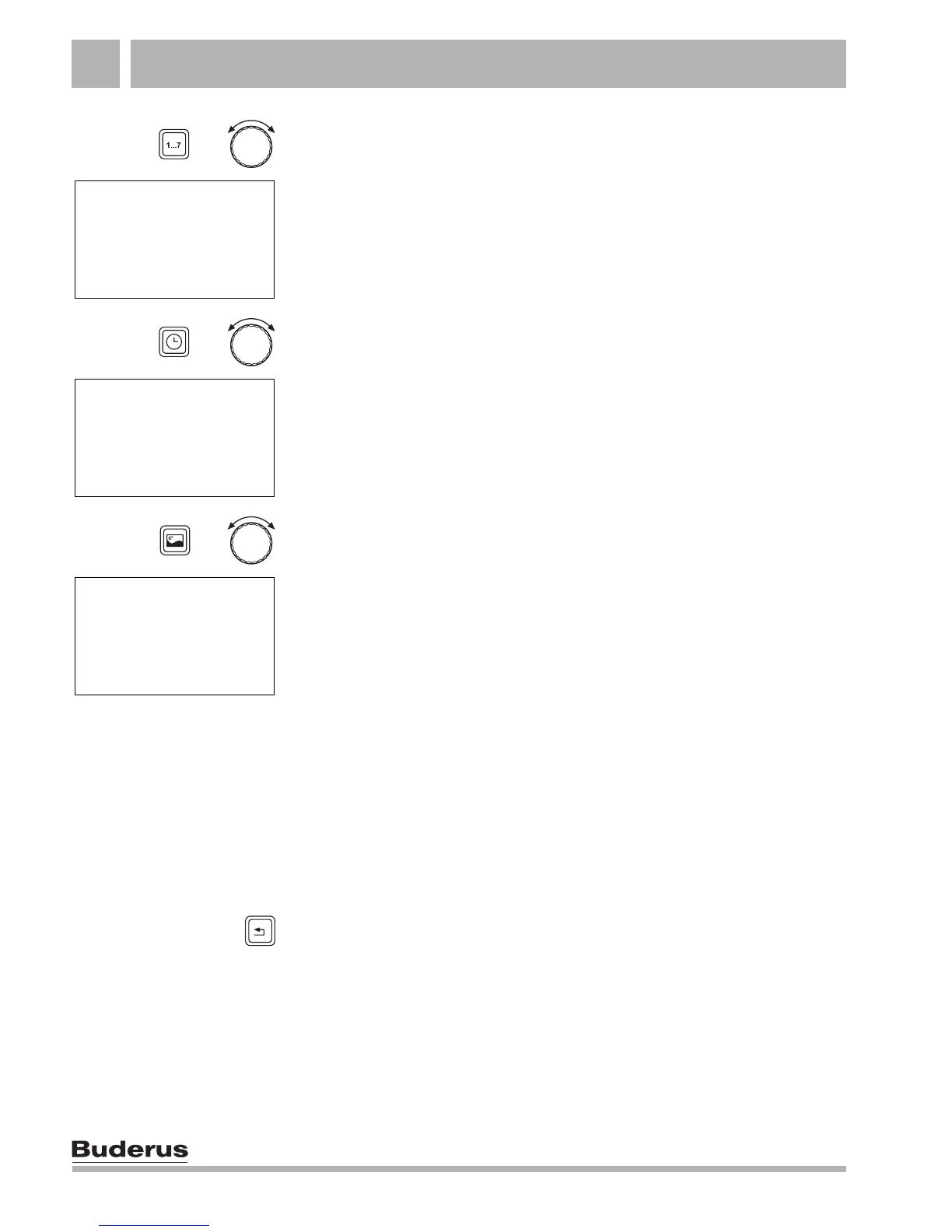
Hold down the "Day/Date" button and select the required day block
with the dial. Example: "MO–TH".
Release the "Day/Date" button.
Hold down the "Time" button and select the required time with the
dial. Example: "05:00".
Release the "Time" button.
Hold down the "Display" button and select the "ON" switch state
with the dial.
Release the "Display" button. The new switching point is stored.
Next switching point
Enter the next switching point, an OFF switching point.
Continue to turn the dial until the next switching point is displayed.
Repeat the steps as necessary until you have entered the
switching points for every day of the week.
Press "Back". Your new heating program is stored under the name
"OWN PROG".
+
SWITCH POINT
---- MO-TH
--:--
+
SWITCH POINT
---- MO-TH
05:00
+
SWITCH POINT
ON MO-TH
05:00



 To Next Page