21
MA601990_20 [Original Instructions] 10/04/2010
Central Force
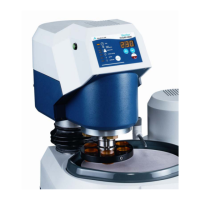
1. With a specimen holder installed, program the Vector Power Head with a set of parameters
for a CENTRAL FORCE grinding-polishing cycle.
• All operating functions are controlled through the Vector Power Head except the platen
speed. Platen speed is controlled through the grinder polisher.
2. Position the Vector Power Head over the platen.
3. Press the green START buttons on to activate the Vector Power Head.
This safety feature ensures the operator’s hands are away from any moving parts
during the start of a grinding-polishing cycle.
4. The Vector Power Head will automatically lower to a position and begin the grinding-polishing
cycle.
5. Adjust the platen speed as needed.
6. When the cycle is complete, the Vector Power Head will stop and rise to its original position.


 To Next Page