31
If your Windows computer will not boot while this unit is connected, then connect the unit to your computer after
rebooting Windows. Also, refer to your computer's manual to change the BIOS setting to boot from an internal
hard drive if you want to turn your computer on or o while this unit is connected.
Some computers may display a delayed write when they return from an energy-saving state. If this happens,
unplug the unit before putting your computer into the energy-saving mode.
This drive may become hot during use.
This unit is designed to release heat through its case. The surface of the case may become quite hot in normal use. Even
when the unit is o, the case may still be warm from standby current.
If the power/access LED does not turn o when you turn o your computer, unplug the USB cable from the drive.
Some computers do not support power saving mode.
Before using this unit with a Mac, reformat it with Mac OS Extended using the disk utility in Mac OS.
Dismounting the Unit
If your computer is turned on, please follow the procedure below to unplug the unit. If your computer is turned o, then
it is always safe to unplug the unit. Unplugging the unit incorrectly can corrupt data. Please be careful.
For Windows
1
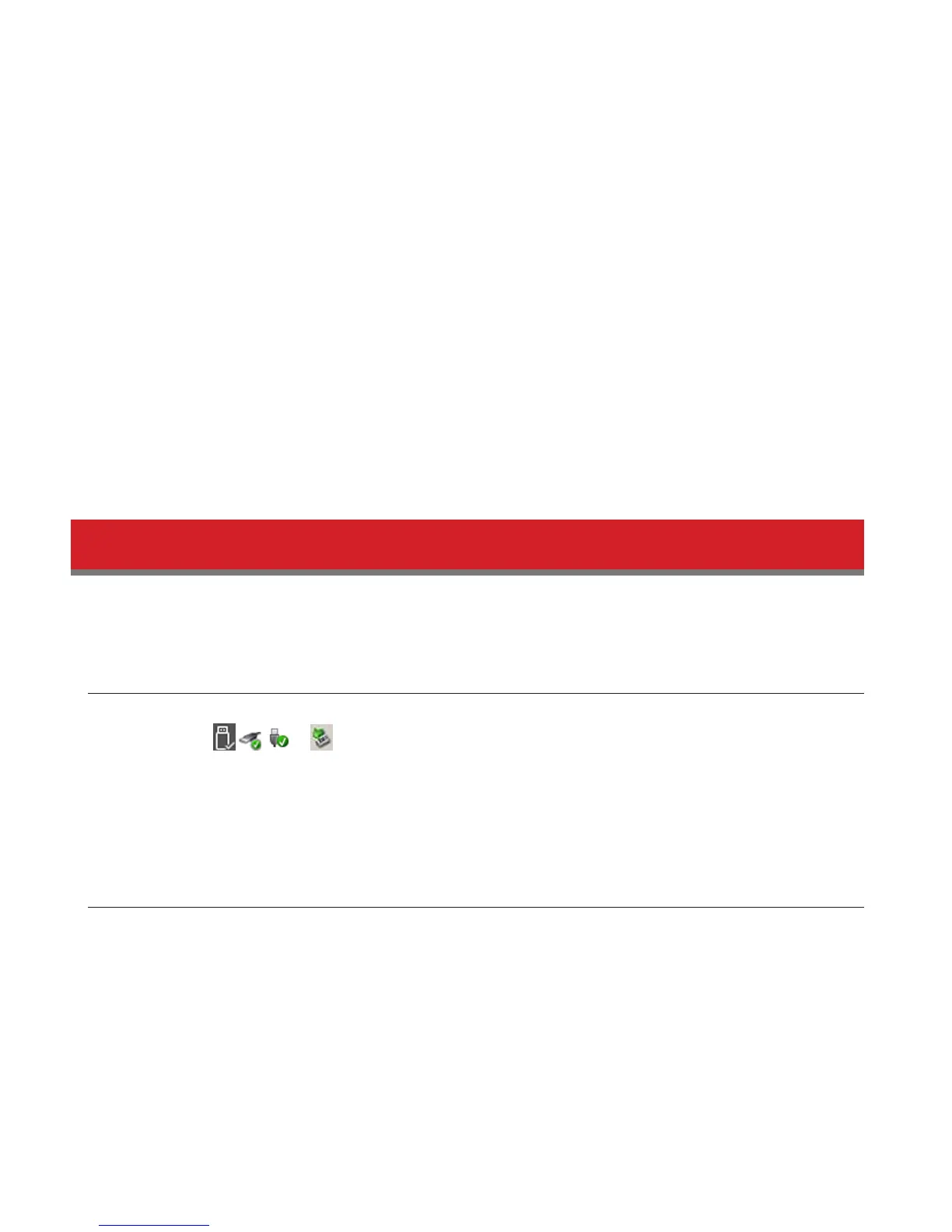
Click the icon , , or in the system tray.
2
When the menu opens, click the device name.
3
A message that indicates you can safely remove the unit will appear.
For Mac
1
Drag this unit's icon to the trash to dismount the drive.
2
It's now safe to unplug the unit from your Mac.













 To Next Page