2 Turn the TeraStation on while holding down the function button. The function LED will flash.
3 Press the function button again while the LED is flashing.
4 Initialization will take 5 to 10 minutes. Do not power down the TeraStation while it is initializing and showing
an I23 information message in NAS Navigator2 and with the power LED. When initialization is finished, reboot
your TeraStation.
Initializing from Settings
To initialize the TeraStation to its factory defaults from Settings, follow this procedure.
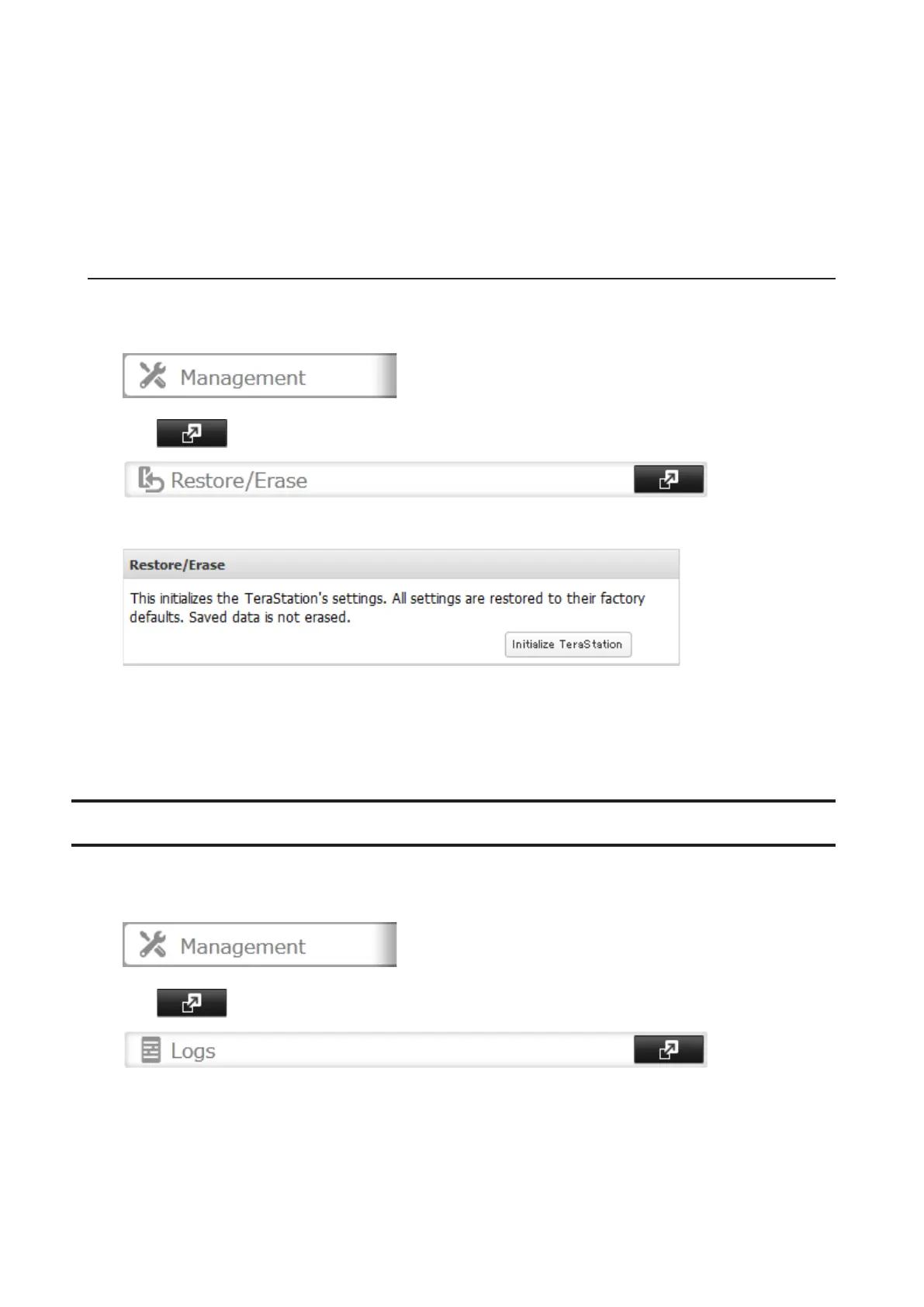
1 In Settings, click Management.
2 Click to the right of "Restore/Erase".
3 Click Initialize TeraStation.
4 The "Confirm Operation" screen will open. Enter the confirmation number, then click OK. The TeraStation will
be restored to its factory default settings.
5 When the "finished" message is displayed, restoring settings is finished. Click OK.
Logs
Follow the procedure to check the TeraStation's logs.
1 In Settings, click Management.
2 Click to the right of "Logs".
102



 To Next Page