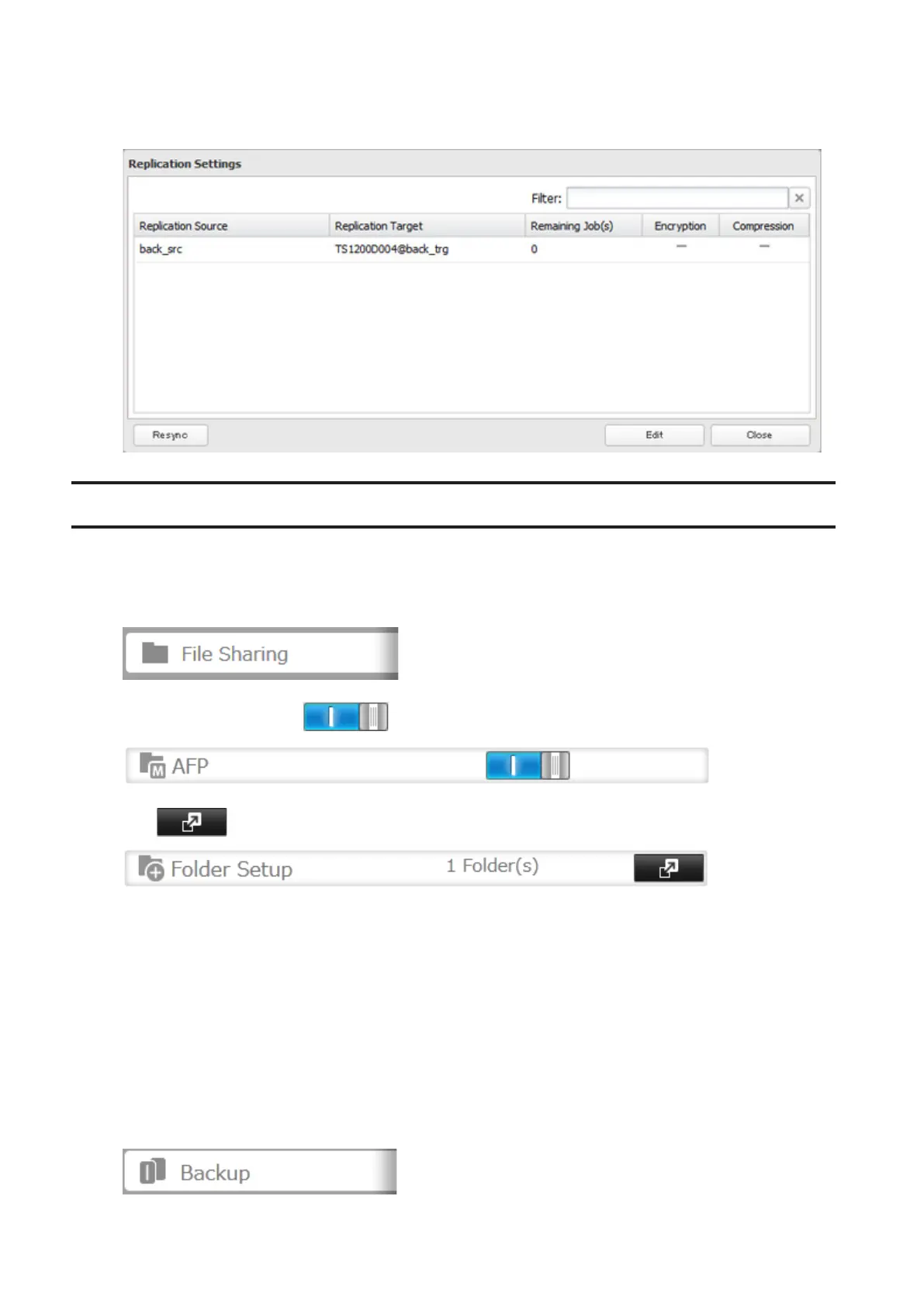
• If a network problem causes a replication error, unsynced data may be shown as "0" even though replication is
incomplete. Click Resync to recover from the replication error. All files from the source folder will be copied to the
destination folder.
Backing Up Your Mac with Time Machine
Time Machine is a backup program included with macOS 10.5 or later. Configure your TeraStation as shown to use
Time Machine.
1 In Settings, click File Sharing.
2 Move the AFP switch to the position to enable AFP.
3 Click to the right of "Folder Setup".
4 Choose a shared folder as your backup destination for Time Machine.
5 Click the Advanced Settings tab.
6 Under "LAN Protocol Support", select the "AFP (Mac)" checkbox and click OK.
7 Click OK.
8 Click Close.
9 Click Backup.
71



 To Next Page