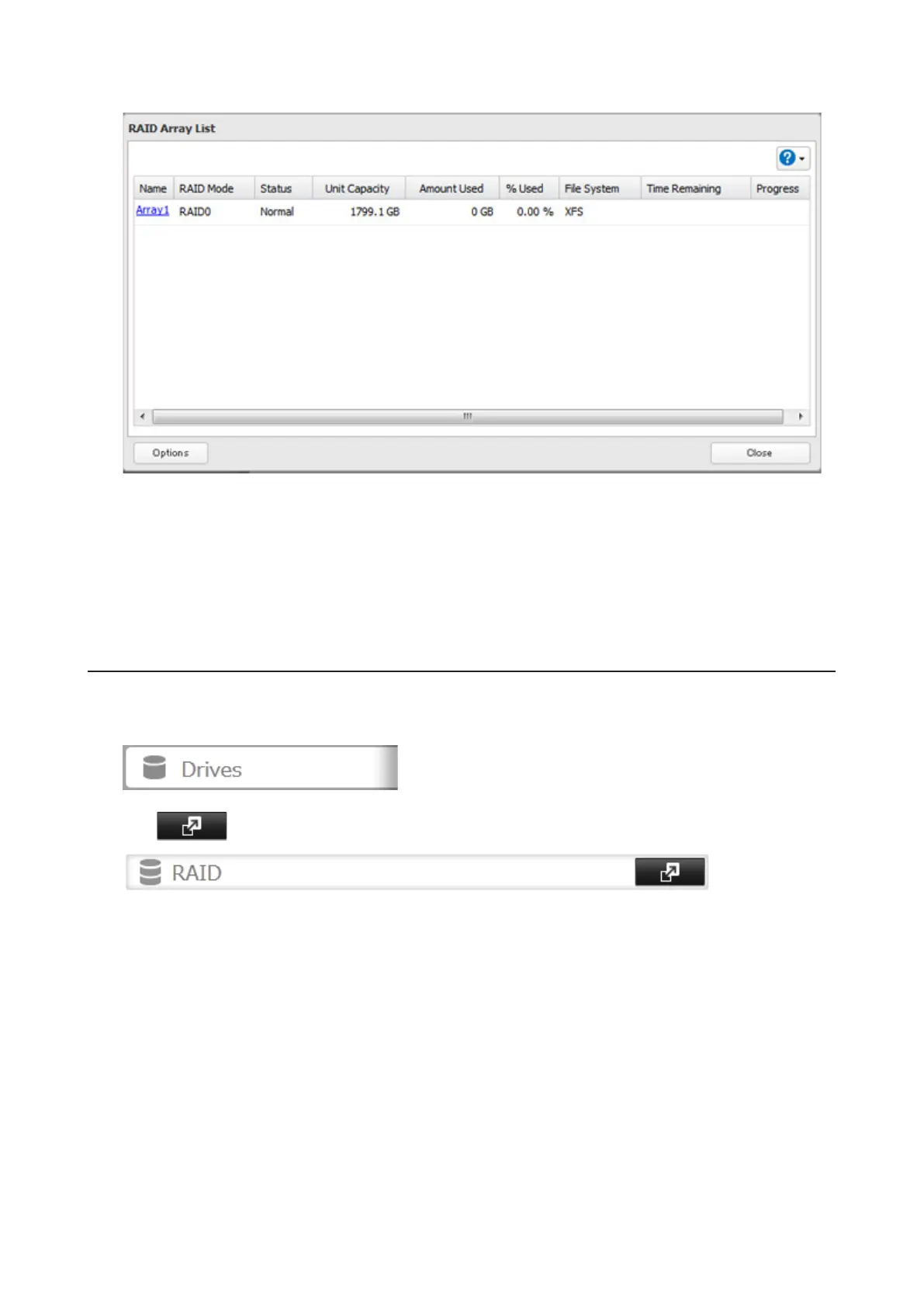
3 Click the array to delete.
4 Click Delete RAID Array.
5 The "Confirm Operation" screen will open. Enter the confirmation number, then click OK.
6 Click OK when finished.
Once JBOD is configured, create shared folders on each drive to use them.
Changing RAID Mode
To change the RAID mode, first put the drives in JBOD.
1 In Settings, click Drives.
2 Click to the right of "RAID".
35



 To Next Page