Notes:
• You can also configure RAID settings from Easy Admin.
• After changing the RAID mode, create a shared folder.
RMM (RAID Mode Manager)
With RMM, you can create or expand a RAID array without erasing the data on the drives. Before using RMM, make
sure all inserted internal drives are the same size into the slots.
Changing from JBOD to RAID 1
Hard drives that aren't in a RAID array show "Normal". You must have at least two drives available in JBOD (not in a
RAID array) to build the RAID 1 array with RMM.
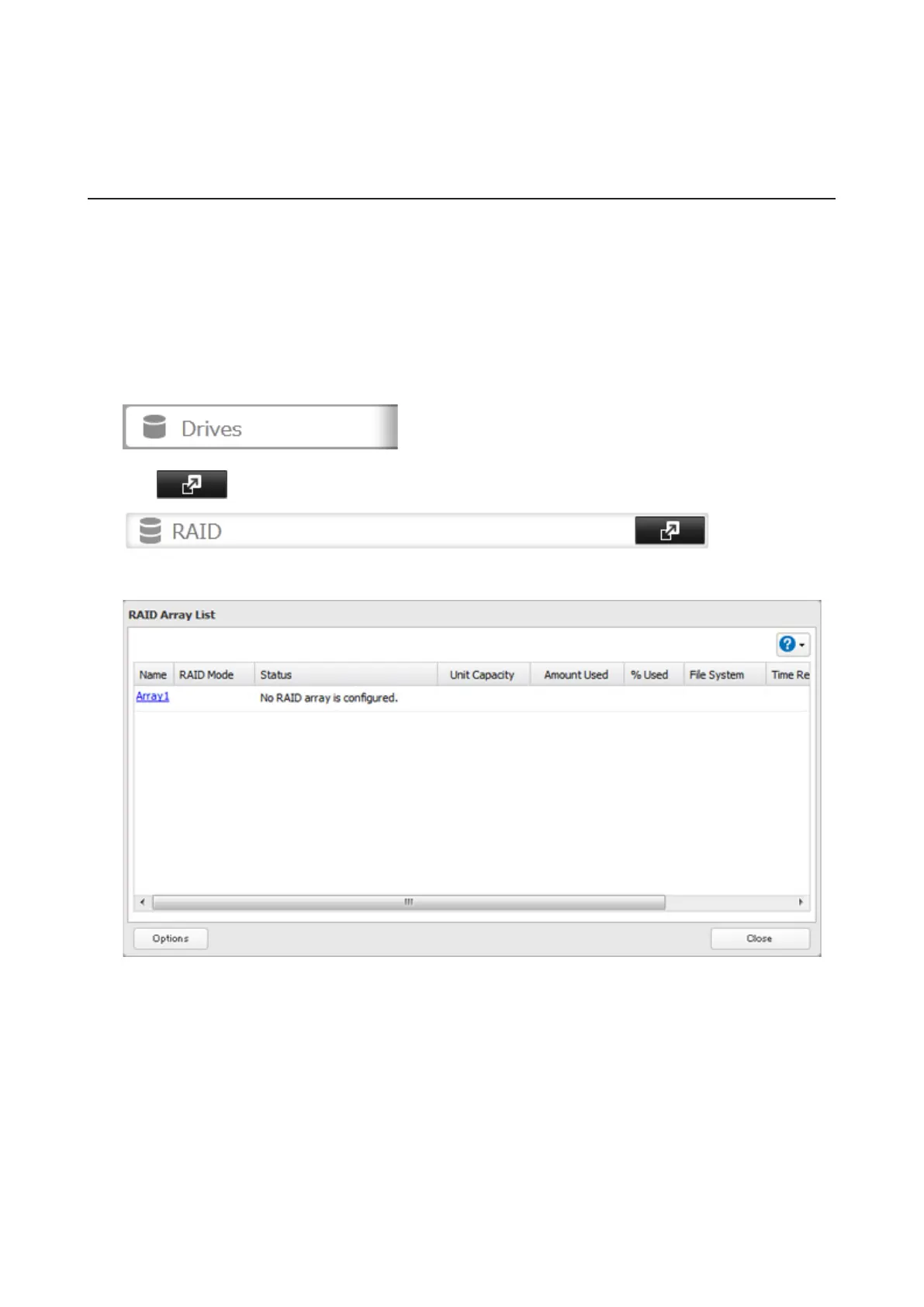
1 In Settings, click Drives.
2 Click to the right of "RAID".
3 Choose a RAID array.
4 Set the RAID mode to "RAID 1".
37



 To Next Page