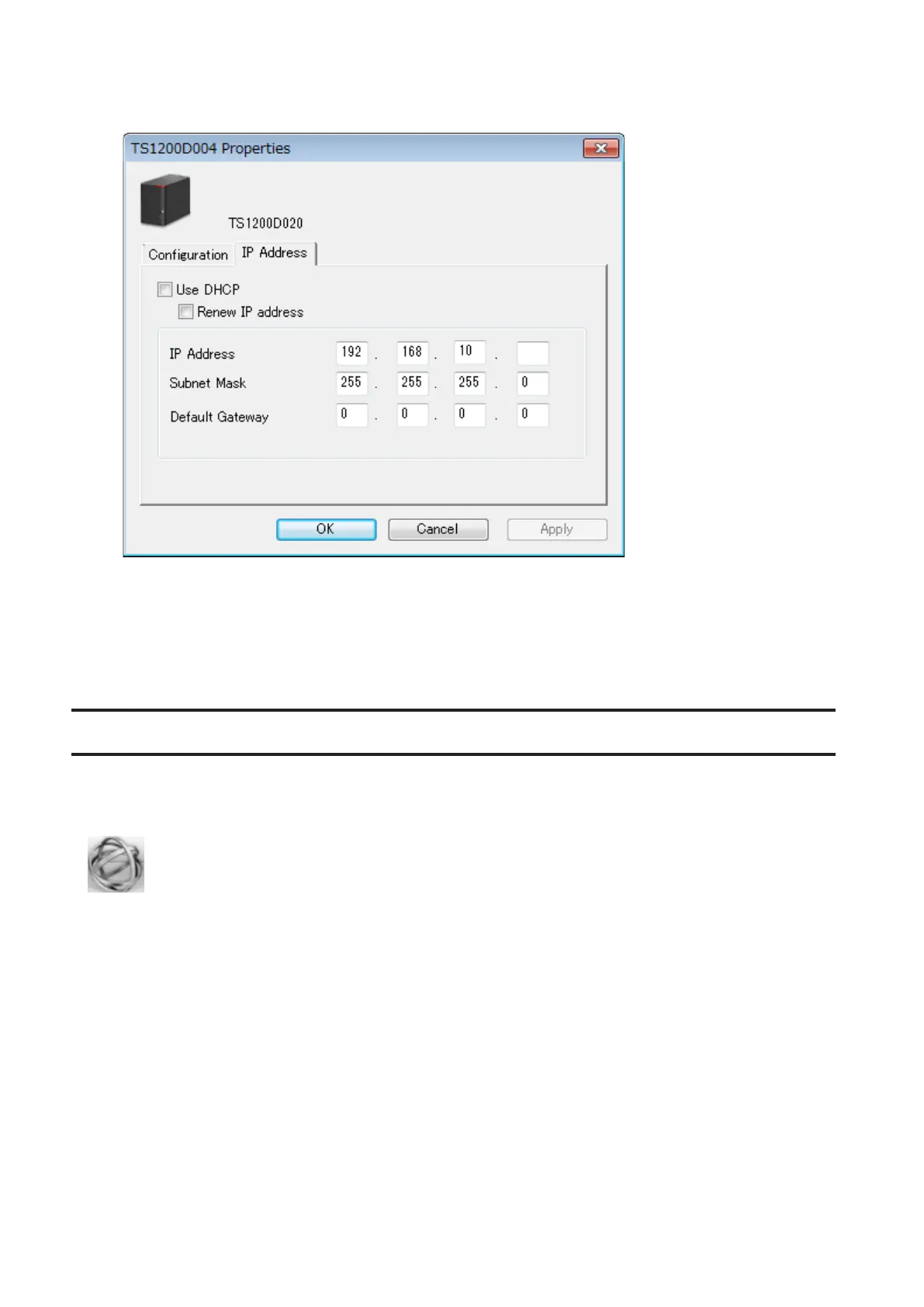
3 Uncheck "Use DHCP" and enter the desired settings, then click OK. If the username and password prompt
appears, enter the admin username and password.
Note: The following IP addresses are reserved and should not be used. If you configure one of them by accident,
initialize IP address settings with the function button on the TeraStation.
Local loopback address: 127.0.0.1, 255.255.255.0
Network address: 0.0.0.0, 255.255.255.0
Broadcast address: 255.255.255.255, 255.255.255.0
The IP address range from 224.0.0.0 to 255.255.255.255
NAS Navigator2 for Mac
NAS Navigator2 is a utility program that makes it easy to display Settings, change the TeraStation's IP address, or
check its hard drive.
If you installed the TeraStation with the TeraNavigator CD, NAS Navigator2 was installed automatically. Click the
icon in the Dock to start NAS Navigator2.
114



 To Next Page