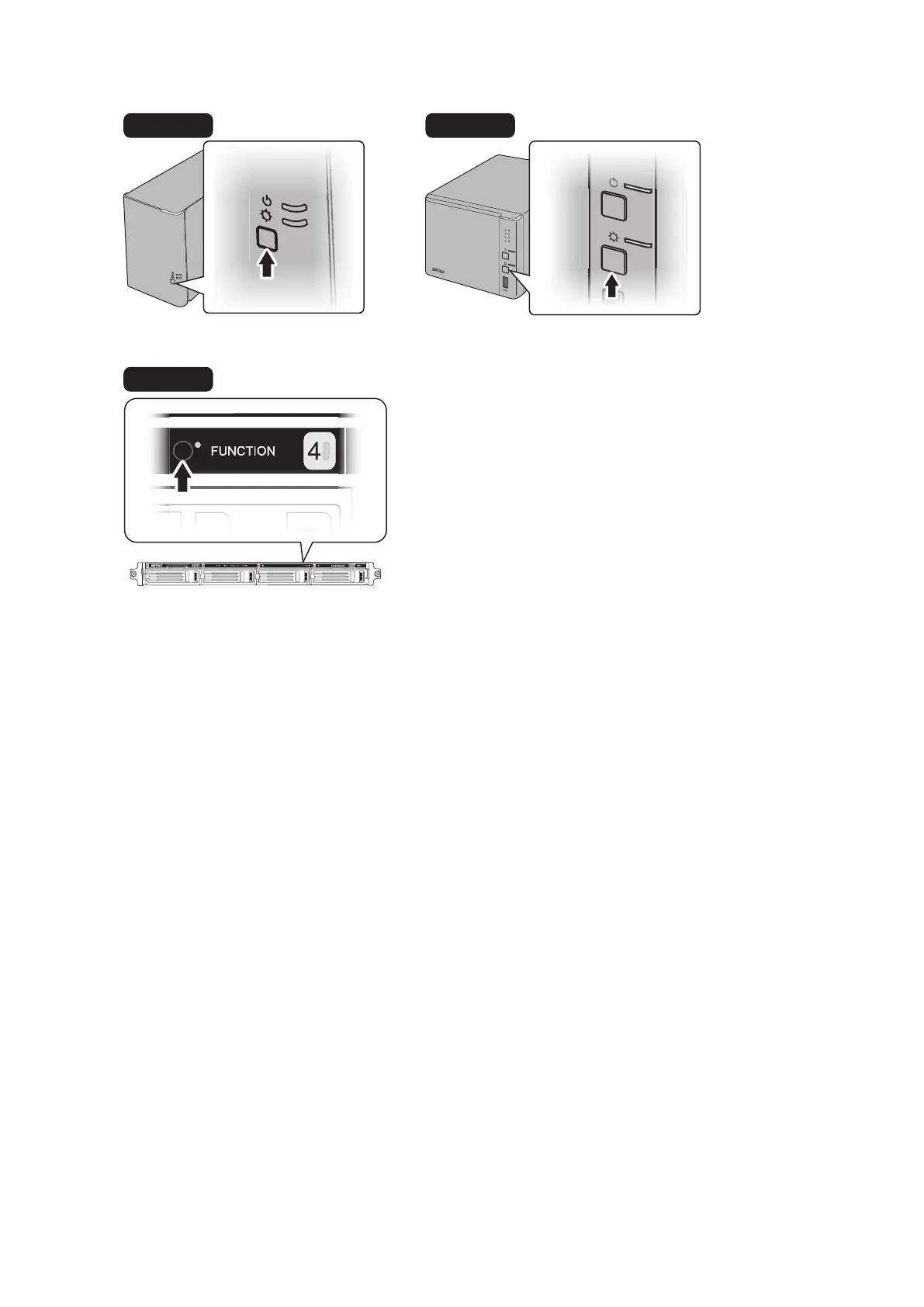
4 Hold down the function button on the front of the TeraStation for 3 seconds.
TS1400R
5 The TeraStation will start rebuilding the RAID array. After a few minutes, the I18 message will be displayed in
NAS Navigator2. Wait until the drive finishes rebuilding; the I18 message will be extinguished.
Notes:
• It may take about 5 minutes before the I18 message appears.
• If the TeraStation shuts down while rebuilding the RAID array, the RAID rebuild will cancel and will not start
again after the TeraStation boots. To restart the RAID rebuild, log in to Settings and go to Drives - RAID, then click
Recover RAID Array.
Using JBOD
This section describes if your TeraStation is working in JBOD.
1 Follow the drive replacement procedure described above and replace a failed drive with a new drive.
2 When the replacement hard drive is recognized, an I31 message will be displayed in NAS Navigator2.
53



 To Next Page