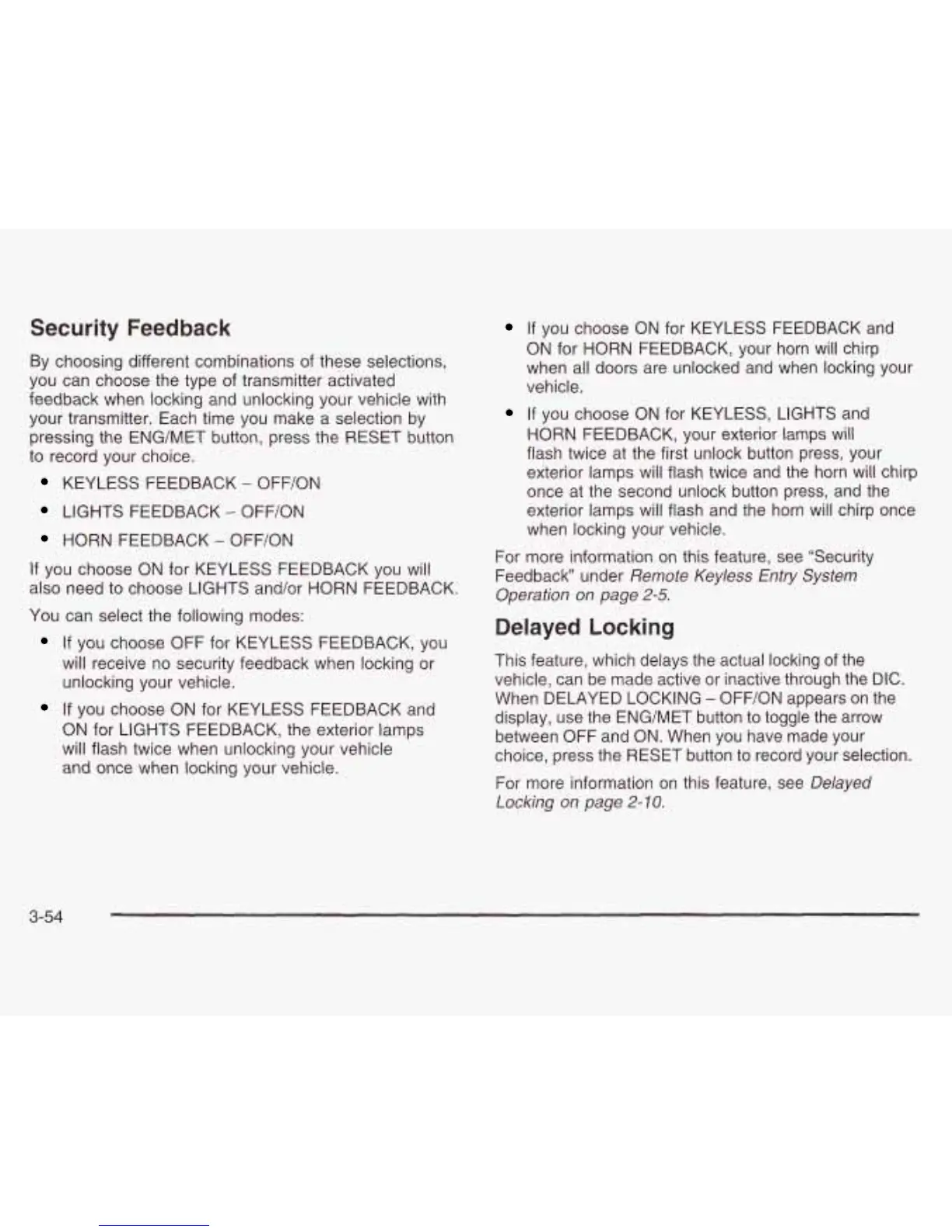
Security Feedback
By choosing different combinations of these selections,
you can choose the type of transmitter activated
feedback when locking and unlocking your vehicle with
your transmitter, Each time you make a selection by
pressing the ENG/MET button, press the RESET button
to
record your choice.
KEYLESS FEEDBACK
-
OFF/ON
LIGHTS FEEDBACK
-
OFF/ON
HORN
FEEDBACK
-
OFF/ON
If
you choose ON for KEYLESS FEEDBACK you will
also need
to
choose LIGHTS and/or
HORN
FEEDBACK.
You can select the following modes:
If
you choose OFF for KEYLESS FEEDBACK, you
will receive no security feedback when locking or
unlocking your vehicle.
If
you choose ON for KEYLESS FEEDBACK and
ON
for LIGHTS FEEDBACK7 the exterior lamps
will flash twice when unlocking your vehicle
and once when locking your vehicle.
If
you choose
ON
for KEYLESS FEEDBACK and
ON
for
HORN
FEEDBACK, your horn
will
chirp
when all doors are unlocked and when locking your
vehicle.
If
you choose ON for KEYLESS, LIGHTS and
HORN FEEDBACK, your exterior lamps will
flash twice at the first unlock button press, your
exterior lamps will flash twice and the horn will chirp
once at the second unlock button press, and the
exterior lamps will flash and the horn will chirp once
when locking your vehicle.
For more information on this feature, see “Security
Feedback under
Remote Keyless
Entry
System
Operation
on
page
2-5.
Delayed Locking
This feature, which delays the actual locking of the
vehicle, can be made active or inactive through the DIC.
When DELAYED LOCKING
-
OFF/ON appears on the
display, use the ENG/MET button
to toggle the arrow
between OFF and ON. When you have made your
choice, press the RESET button
to
record your selection.
For more information on this feature, see
Delayed
Locking
on
page
2-10.
3-54







 To Next Page