OPERATION
23
®
SECTION 1: Button Navigation
Capacitive Touch Buttons: The buttons used on the GT are Capacitive touch. Capaci-
tive touch buttons only require a touch on the button area rather than a push like
regular buttons require. It is not necessary to apply any significant force to the but-
ton while navigating through product screens.
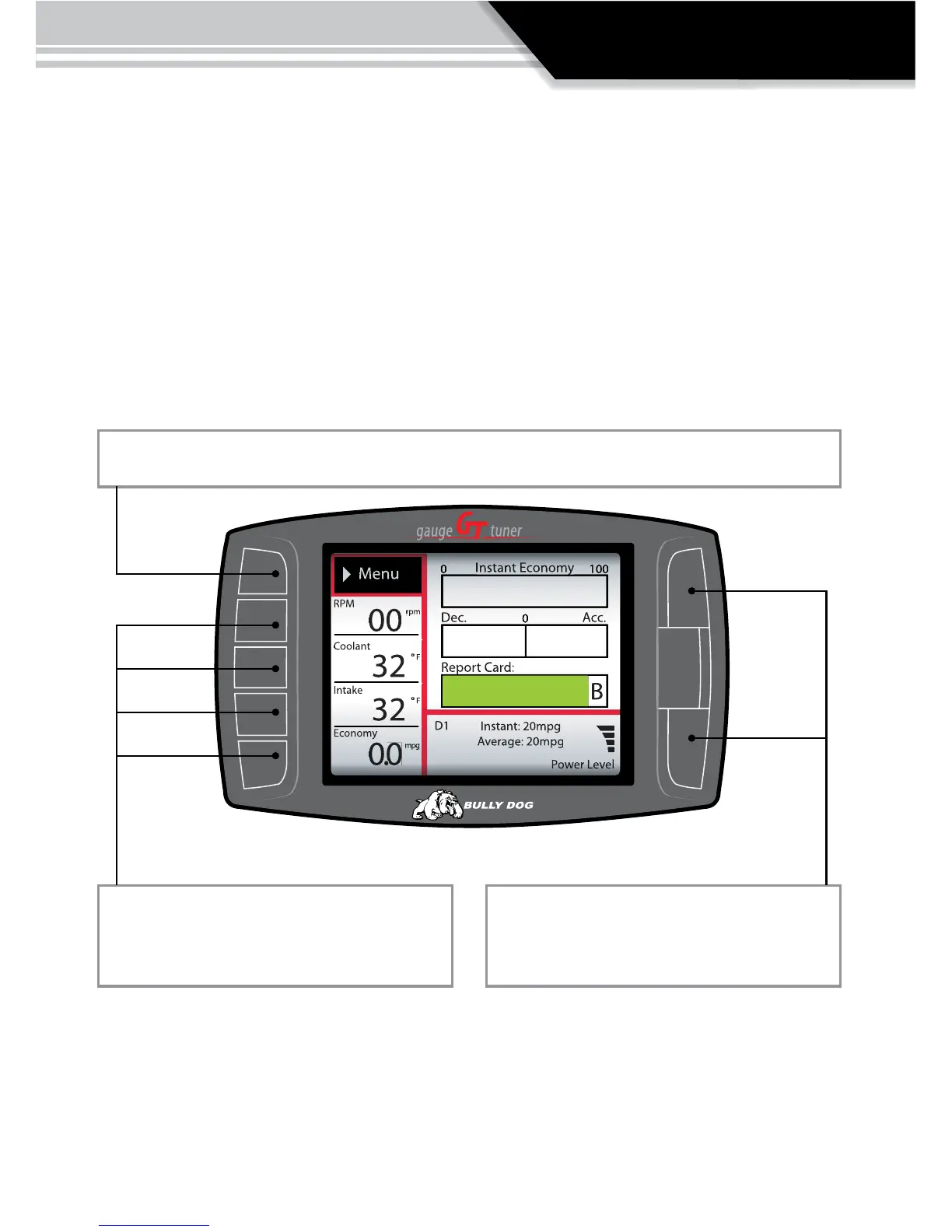
Press the top left button to enter the Main Menu, also use this button to exit menus.
Press any of the four buttons on the left to
select items on the screen that are adjacent to
the button position.
In general these buttons work as up and down
buttons, they may also be used to select items
on the screen adjacent to these buttons.



 To Next Page