OPERATION
33
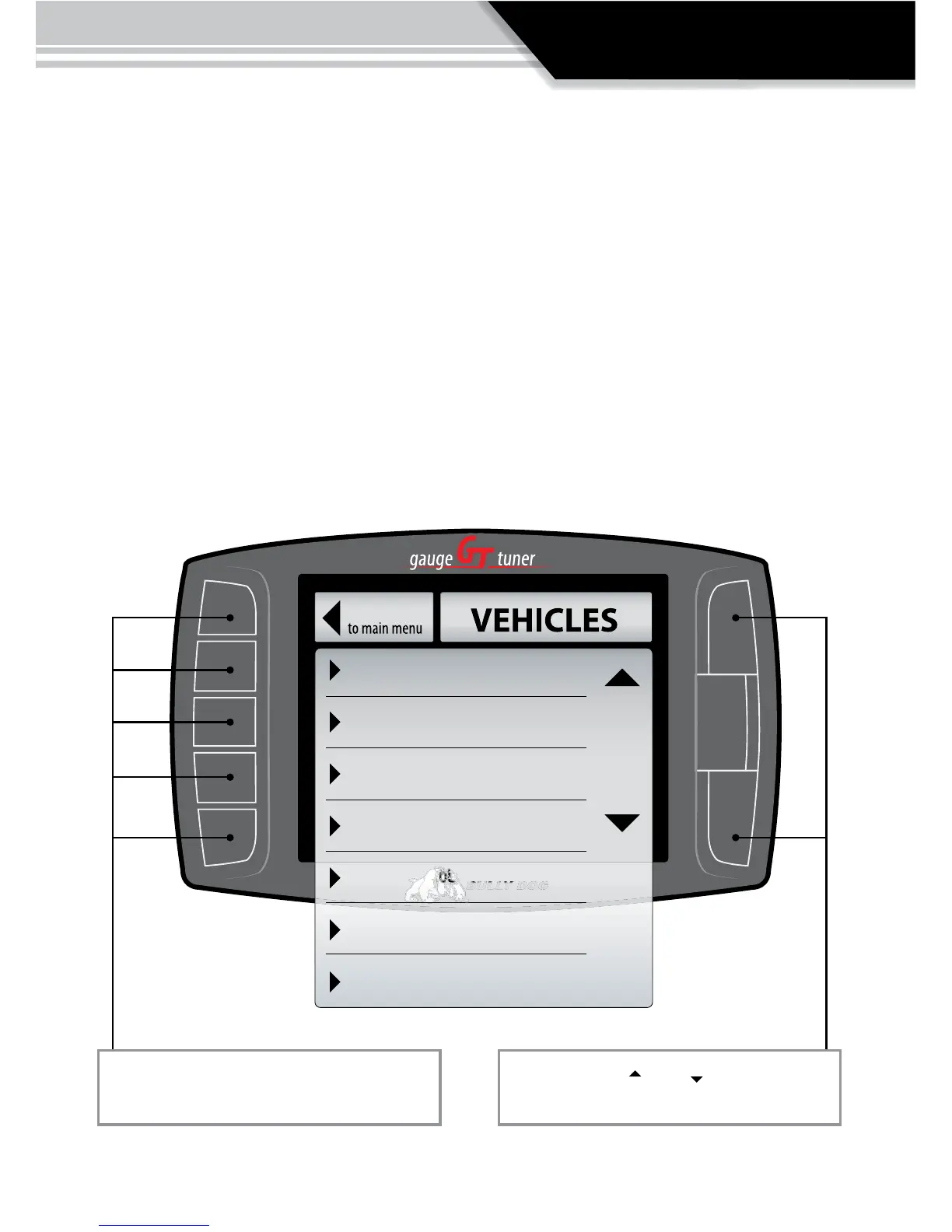
CHANGE VEHICLE:
The Change Vehicles Menu is only used for two reasons:
1. The GT is being transferred to a new vehicle. Note the GT Installed Download feature must be
returned to stock before it is transferred another vehicle.
2. If the wrong vehicle is selected the correct vehicle can be selected in the Change Vehicle
menu.
Note: the Micro SD Card must be in the GT to change vehicles.
If the Change Vehicle menu does not list a vehicle type, check the vehicle applications charts at
the beginning of this owners manual or call tech support for clarication.
‘03-’07 Ford 6.0L Power Stroke
‘08 Ford 6.4L Power Stroke
‘06-’07 Dodge 5.9L Cummins
‘08 Dodge 6.7L Cummin
‘01-’05 GM 6.6L Duramax
‘06-’07 GM 6.6L Duramax
‘08 GM 6.6L Duramax
Go Back
To select a dierent vehicle, press the selec-
tion button adjacent to that vehicle location.
Use the large Up Down Buttons to move
between dierent vehicles.



 To Next Page