OPERATION
53
USER OPTIONS
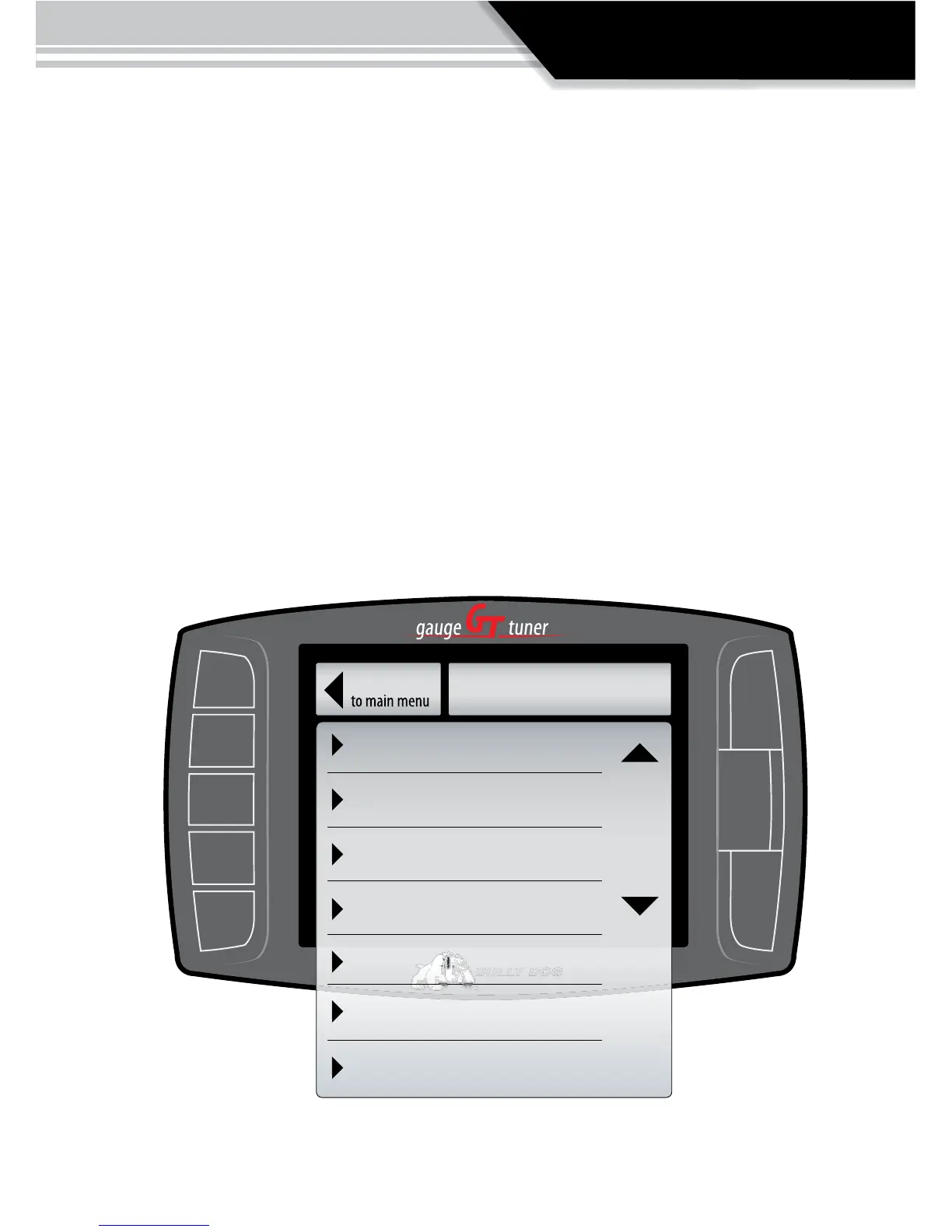
In this sub menu you get to personalize your GT. The descriptions for all the user op-
tions are below. A more detailed description of each is on the following pages.
• ADJUST BACKLIGHT: Change screen backlighting for day and night driving.
• SET SCREEN COLORS: Choose between many dierent color setting themes.
• ADJUST VOLUME: Set button feedback volume.
• CALIBRATE SPEEDO: Calibrate speedometer for aftermarket tires & wheels
• CALIBRATE ECONOMY: Calibrate for vehicle characteristics.
• ENGLISH/METRIC UNITS: Choose units of measurement
• RESET TO DEFAULT SETTING: Revert back to Bully Dog factory settings.
Adjust Backlight
Set Screen Colors
Adjust Volume
Calibrate Speedo
Calibrate Econ.
English/metric Units
Reset to Default
Go Back
USER OPTS



 To Next Page