OPERATION
39
PERFORMING A VEHICLE DOWNLOAD:
Performing a download is a very simple operation, simply follow the instructions dis-
played on the GT screen. Before downloading to a vehicle be sure to read all download
installation precautions and remove all fuses on GM brand vehicles. Note fuses must be
replaced after a download is complete.
Throughout the download process the
GT will prompt the user to enter en-
gine tuning information and specify
desired download feature informa-
tion. It is important that the installer
remain with the GT throughout the
entire download process.
The information in this subsection will cover:
• Engine Tuning
• Vehicle Specic Download features
• Changing Download Settings
• Returning to Stock
• Transferring to a new vehicle
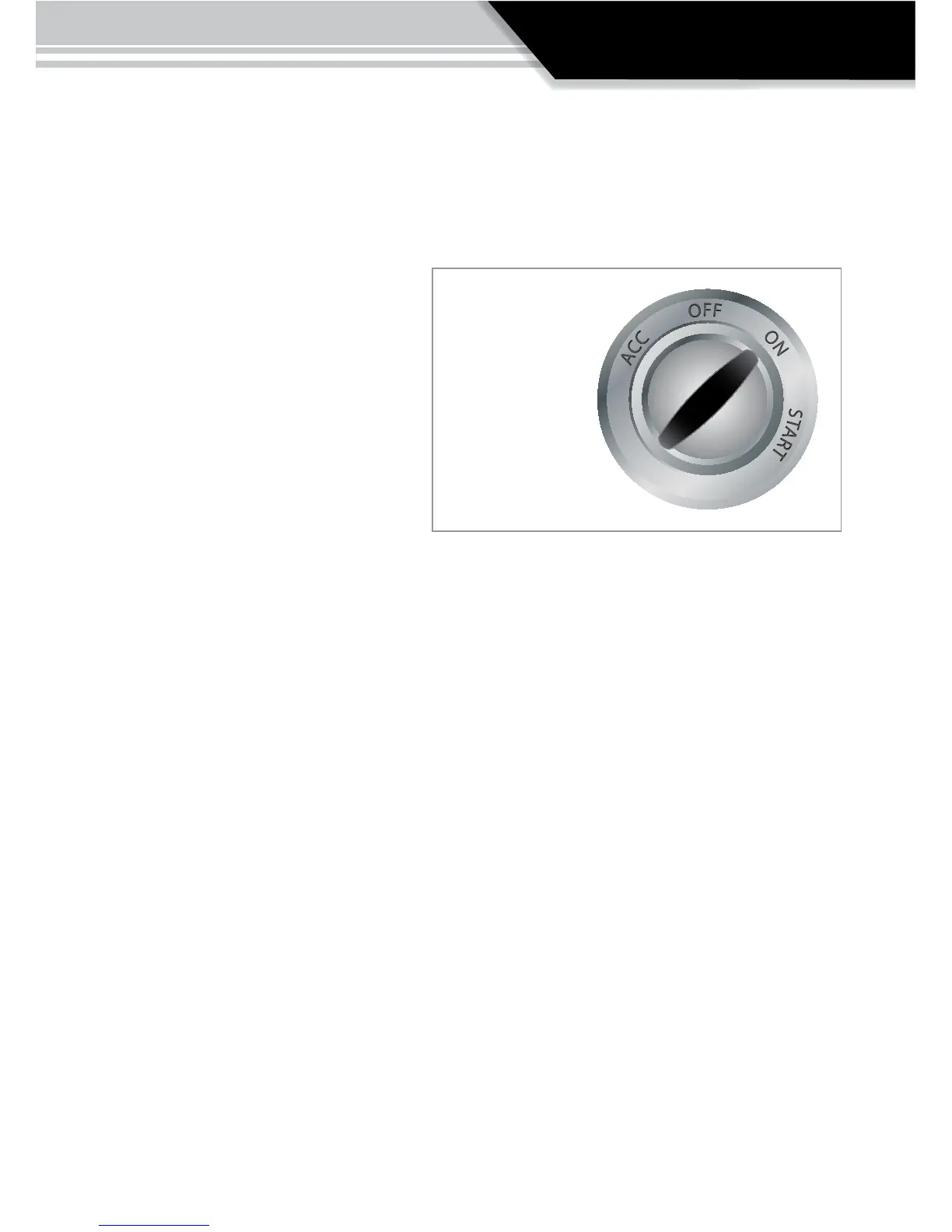
Turn key to the “ON” position
when the GT
calls for it.
Do not start
the engine unless
the instructions or the
GT specically
call for it.



 To Next Page