OPERATION
61
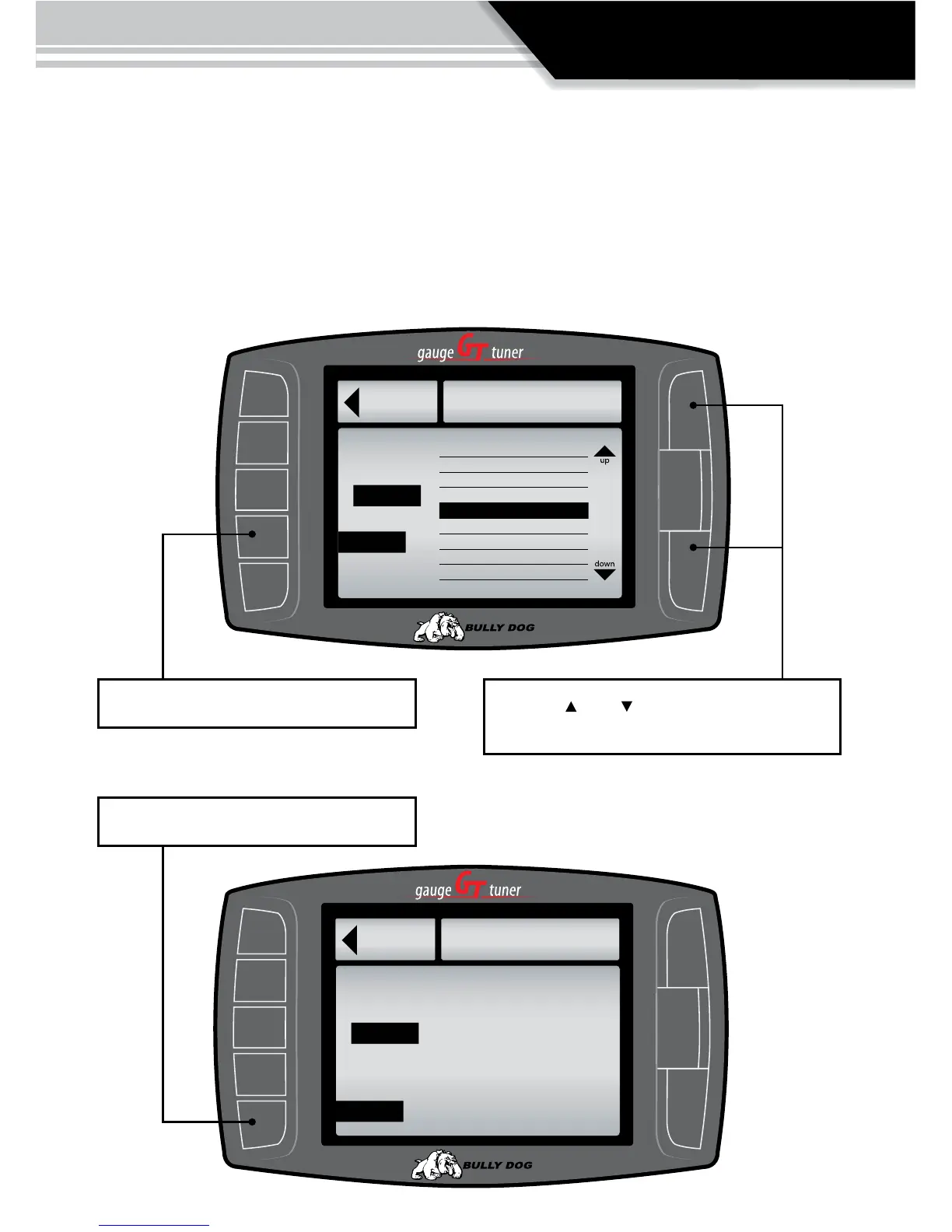
SET DEFUEL LEVELS:
When entering a setup menu for any of the defuel options the menu will have a list of defuel levels
to select from based on that specic defuel parameter. The selected value is displayed on the left, to
select a defuel level highlight the amount and then exit the setup menu. To turn any particular defuel
parameter o press the bottom left button.
®
Go Back
PYRO 1
The Selected Defuel value
for PYRO 1 is displayed in
the box below
1400˚
1250˚
1300˚
1350˚
1450˚
1500˚
1550˚
1600˚
1250˚
to Defuel Menu
Defueling Levels
to Set Defuel LevelMenu
Selected:
DEFUEL ON
DEFUEL OFF
1400˚
Use this button to turn the defueling on Use the Up Down Buttons to scroll up and down
through the dierent sub menu items.
®
Go Back
PYRO 1
The Selected Defuel value
for PYRO 1 is displayed in
the box below
OFF
to Defuel Menu
Set Defuel Level
Selected:
DEFUEL ON
DEFUEL OFF
Use this button to turn the defueling OFF



 To Next Page