70
UPDATE GT SOFTWARE CONTINUED
The two scenarios below depict a couple of common errors seen when updating the
GT software.
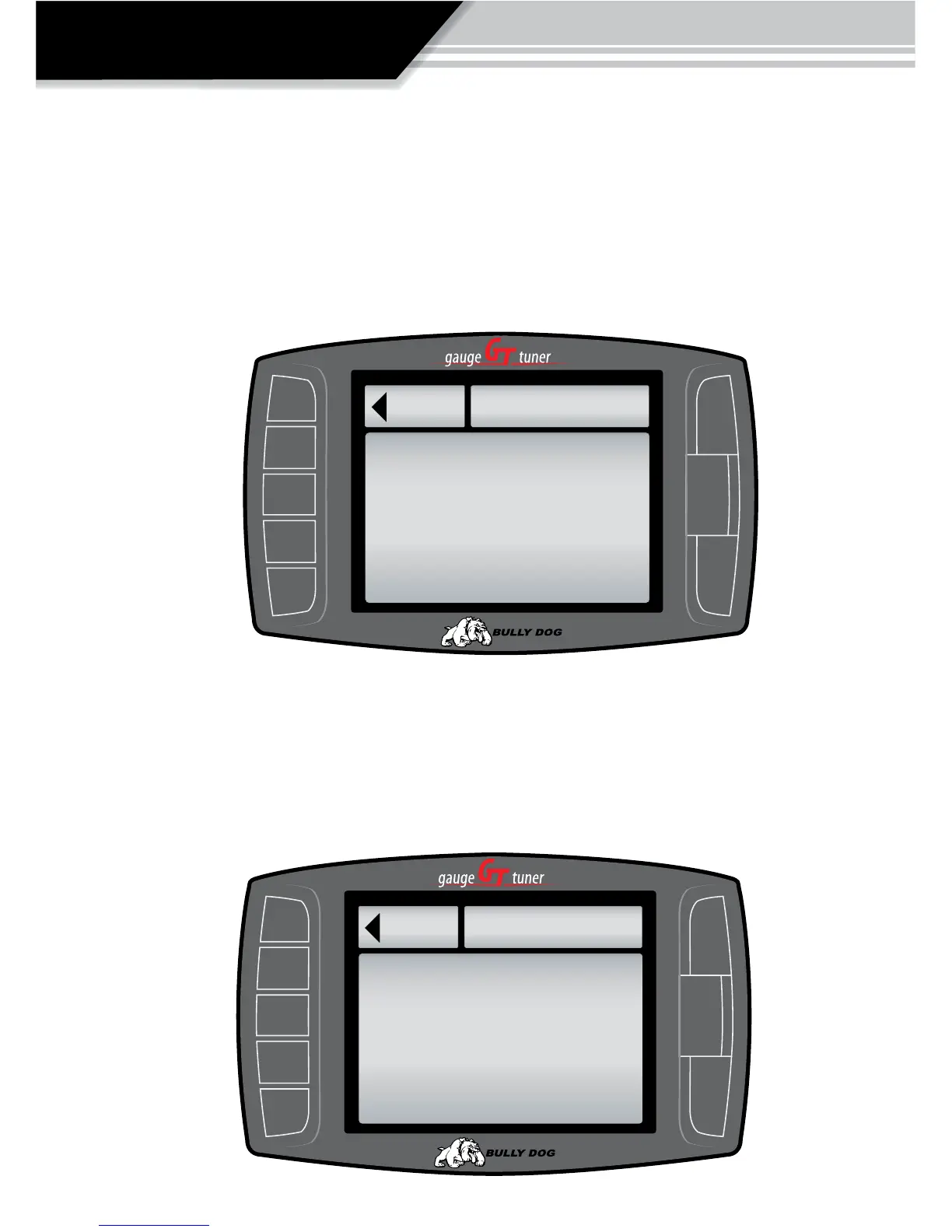
NO SD CARD NOTICE:
The screen capture below illustrates what will be seen on the screen if an
update is attempted without the GT micro SD card in the SD card slot.
IDENTICAL FILE NOTICE: If an internet update was unsuccessful then the Update GT Software
function will display that the GT contains the same information, and no new information was
added. If this happens check the version information of the current software loaded on the GT, in
the show settings menu, and compare that to what is available online.
®
Go Back
UPDATE GT
SD Card not Found
Press any Key to Continue.
to main menu
®
Go Back
UPDATE GT
Reading File..
Verify Checksum
Checksum Veried.
Same Image Loaded.
to main menu
OPERATION



 To Next Page