UPDATES
74
SECTION 3: THE UPDATE PROCESS
Follow the steps listed below to update the
GT software to the latest version.
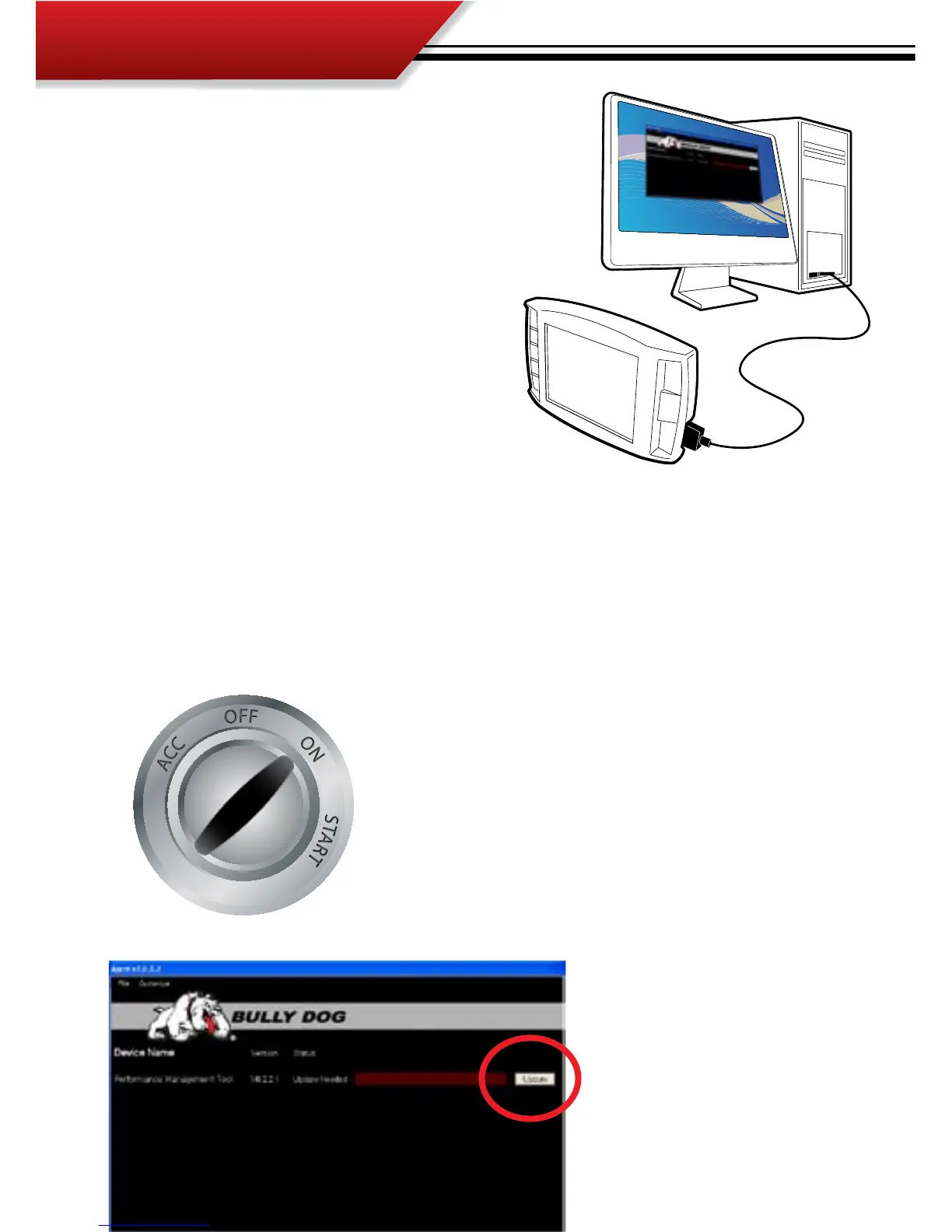
1. Plug the GT into a PC that has a high speed
internet and is loaded with the Update Agent
2.0 using a mini USB cable. SD card must be
installed in the GT.
2. Once the GT is plugged into the PC via USB the
Update Agent will automatically recognize the
SD card and open to the following screen on
your computer.
3. From this screen there is only one simple thing to do; press the update button on the right hand
side of the screen and the Update Agent will automatically update the GT software.
4. When the Update Agent nishes updating the GT software the GT can be remove from the PC and
the USB cable.
5. Reinstall the GT into the vehicle via the Main Harness and mounting device.
6. Once installed turn the ignition to the on position, but do not
start the engine. The GT will light up to display the main screen.
7. Navigate from the main screen into the Main Menu and select
Update GT Software.
7. Follow the screen prompts to update the GT, do not unplug
while performing the GT update.
8. Once the Update Software function has completed, the GT can
be used like normal.



 To Next Page