83
APPENDIX
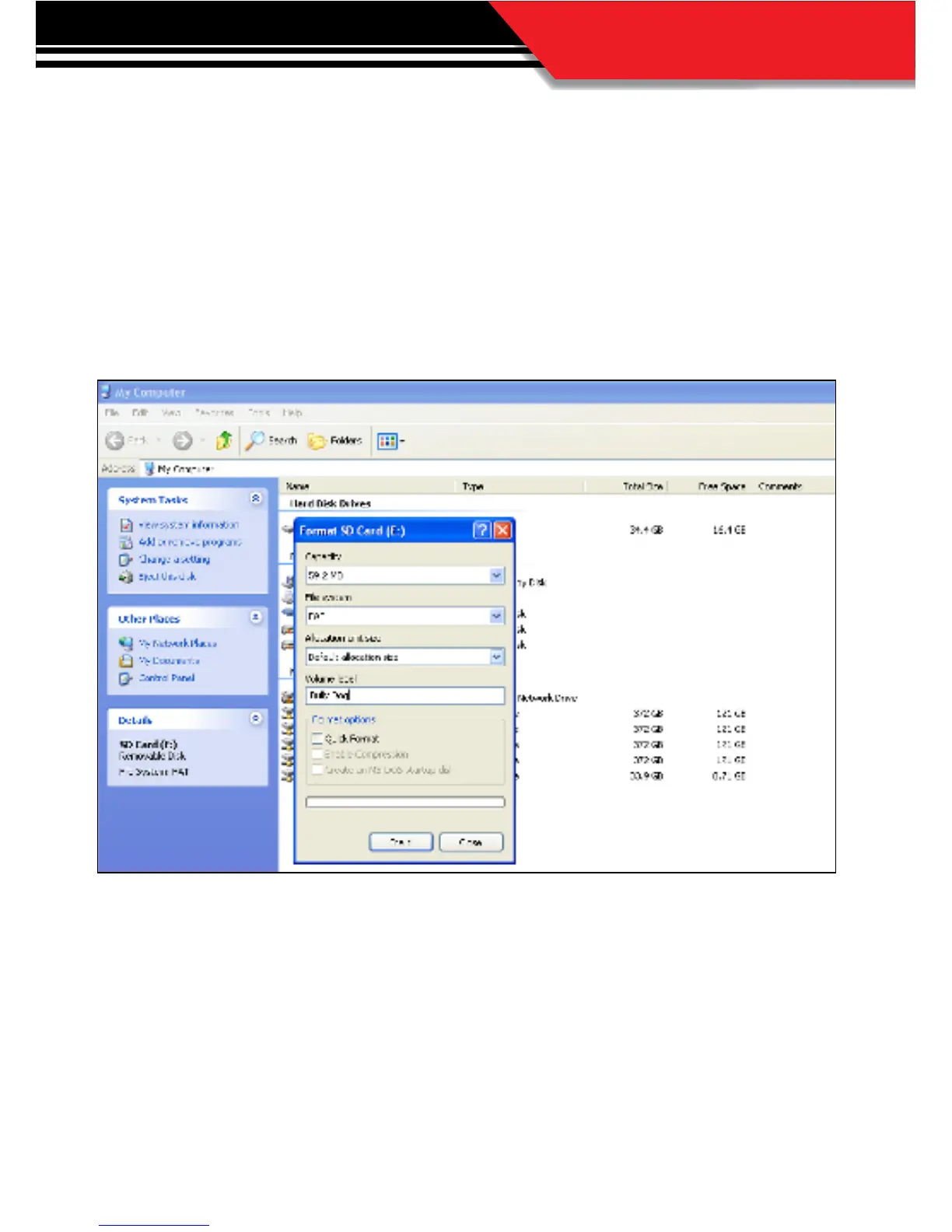
4. With the formatting dialog box open click the drop down men for “File System.” Highlight and
click on FAT.
5. Then change the Volume Label to read “Bully Dog,” by typing it into the dialog box below that
title.
6 Click “Start” to reformat the card with the new information.
7. After the reformat process is complete you need to visit our web site to download a le that must
be saved to the SD card. Visit http://www.bullydogupdateagent.info/GTidf.bin and save the le
to the SD card. This le allows the Update Agent to identify the SD card as a GT SD card.
8. Now unplug the card reader and plug it back into the PC and the Update Agent should recognize
this SD Card.
Now whenever this card is plugged into any PC that has the Bully Dog Update Agent
installed the Agent will automatically recognize the SD Card.



 To Next Page