5
A. Return to previous menu
B. Increment display value negative (-), Select, No
C. Exit program mode / Stop Dispense Cycle
D. Increment display value positive (+), Select, Yes
E. Enter program mode and advance to next menu
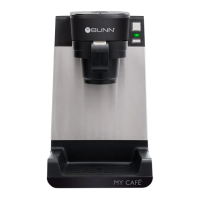
A. Cup Size Buttons: Momentarily pushed to select beverage size to dispense.
B. Dispense Buttons: Momentarily pushed to dispense selected beverage.
C. LED indicators: Illuminates when the adjoining button has been selected.
D. Stop button: Pressing the stop button during dispensing will stop the dispense sequence.
OPERATING CONTROLS AND INTERFACE
A
D
B
C
B
WITH SWITCH IN NORMAL MODE
WITH SWITCH IN PROGRAM MODE
A B C D E


 To Next Page
 Loading...