4.2 Display Console
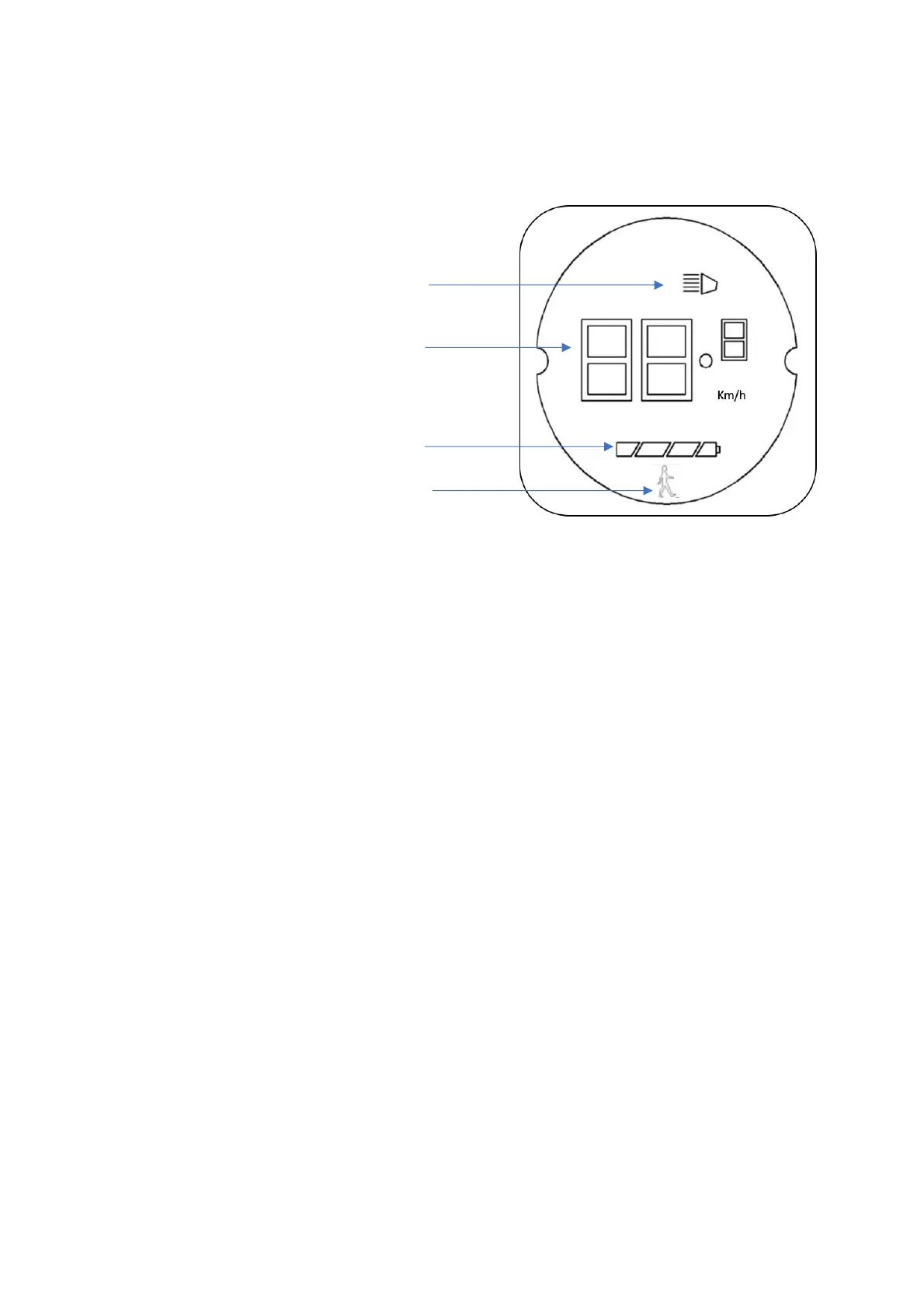
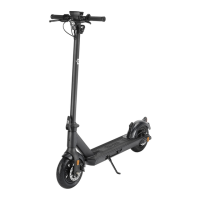
The display console, located on the handlebars, displays the status of the scooter, providing
the rider with the following information.
1. Light Status (On/Off)
2. Speedometer / Speed Mode
3. Battery Level
4. Pedestrian Mode activated.
4.3 Lights - Operation:
Press and release the Power Button swiftly once; the front and rear lights will illuminate.
To switch the lights off, simply toggle the lights off with the same action.
4.4 Speed modes:
With the e-scooter powered on, press and hold the Power Button for 2 seconds to toggle
to the next speed mode. The speed mode will be displayed briefly before the display
returns to a speedometer display.
•
Speed mode 1:
10 km/h [6.2 mile/h] max speed
•
Speed mode 2:
25 km/h [15.5 mile/h] max speed
Pedestrian mode is designed to allow assistance to the rider when pushing the
scooter and not riding.
•
Speed mode 3: [Pedestrian Mode]
3 km/h [ 1.86 mile/h] max speed
Press and Hold Power Button for 3 seconds to power off.


 To Next Page