INSTRUCTION, USE AND
MAINTENANCE MANUAL
GB
Page 22 of 67
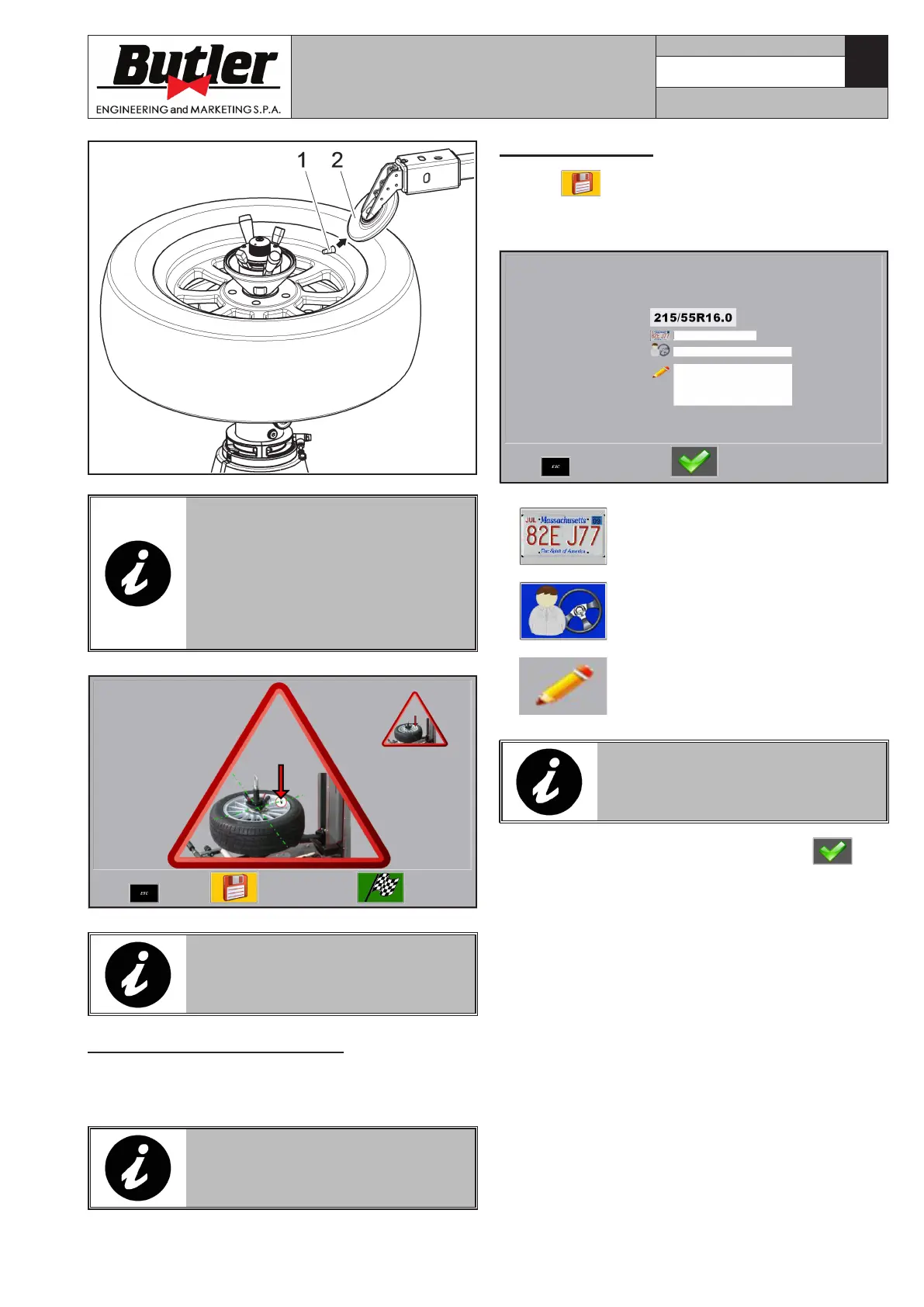
Fig. B
THE MACHINE READS IN THE
VALVE POSITION ALONG THE
WHOLE DEMOUNTING/MOUNT-
ING CYCLE. THE MACHINE WILL
THEREFORE MAKE THE VALVE
REACH THE CORRECT POSITION
BEFORE EACH TYRE DEMOUNT-
ING/MOUNTING OPERATION.
IN CASE OF WRONG DATA ENTRY,
THE OPERATOR WILL BE WARNED
BY AN APPROPRIATE MESSAGE.
Rapid procedure (“Quick mode”)
After wheel data entry, the width acquisition can be
performed, as an alternative, through a double click
on the assent pedal.
IN AUTO AND MANUAL MODE, THE
FEELER PINS ARE DISABLED.
11.2.4 Data save
1. Press key to save values in the memory bank.
2. Further information can be entered in the screen
page below, in order to facilitate a future research:
Vehicle number plate.
Vehicle owner name.
Notes.
PRESS “TAB” KEY IN THE PUSH-
BUTTON PANEL TO SHIFT TO AND
FROM THE DIFFERENT FIELDS.
3. Confirm the correct inserted data using
key.
CAPTURE 4 - CAPTURE 4 FI
7104-M007-4_B



 To Next Page