Calibration
K Calibration- Pt 4
accept Preset or
Enter Concentration
(20.0ppm):
Once at Calibration point 4 (the point we wish to adjust (re-calibrate)
press Accept to store the pre-set concentration (if correct) or enter a
new concentration using the keypad.
The screen offering the ability to Skip will be displayed, this time we
WAIT 4 seconds for the calibration process to start. Ensure you are
aspirating the correct calibration standard.
K Calib- Pt 4
asp 20 ppm
Flushing Chamber…
--- · 12
K Calib- Pt 4
asp 20 ppm
Acquiring Value …
--- · 23
Once calibration is complete, the screen will toggle to display
calibration point 5. Accept the pre-set and then press Accept to
Skip the calibration process as previous.
The display will revert back to the calibration menu. And the
calibration can be downloaded the FP-PC software and viewed.
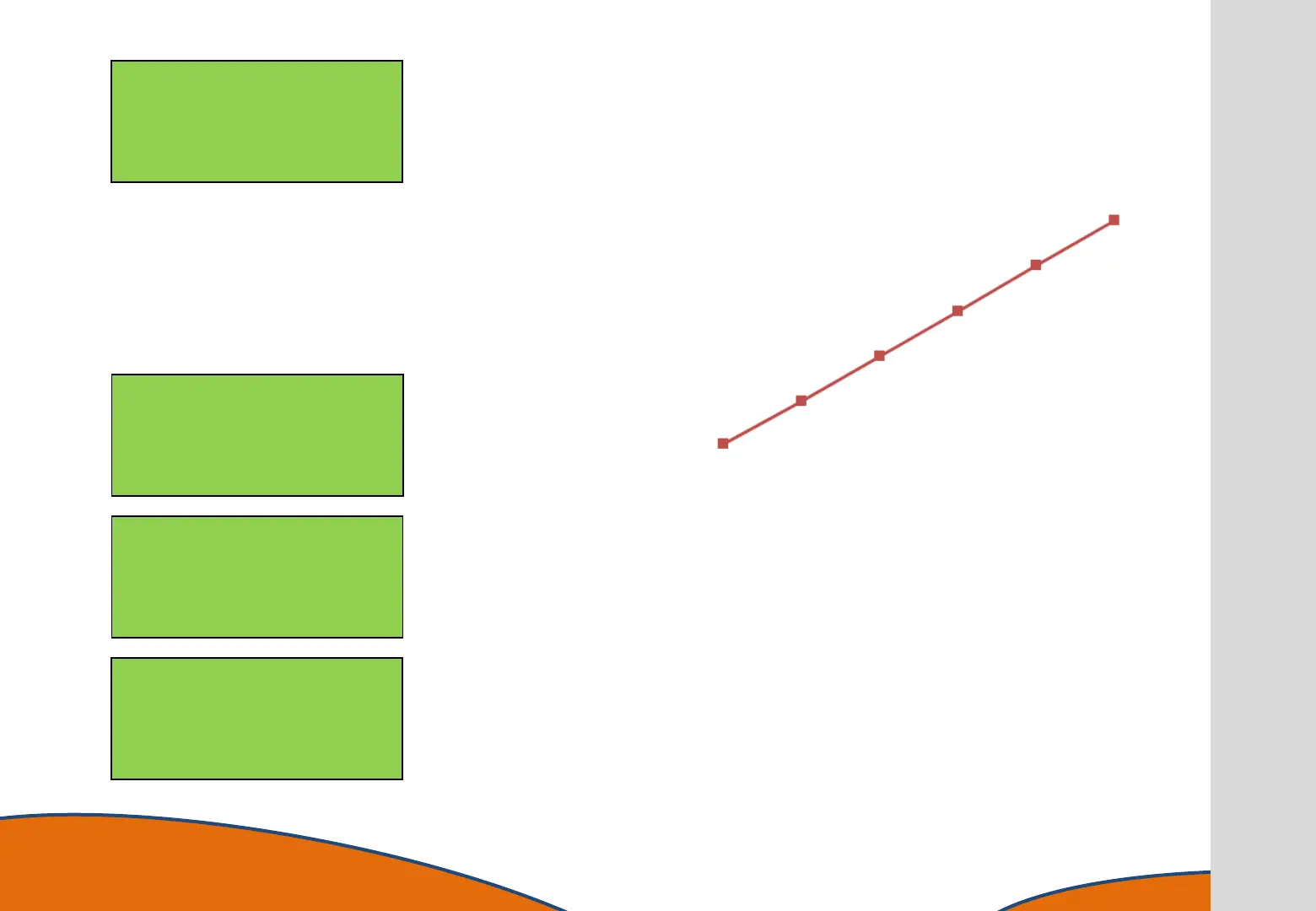
We can now see that the calibration curve is as expected and
sampling can begin.
33
accept to Skip…
OR WAIT . . .
to calibrate



 To Next Page