Annex B
Battery replacement / removal
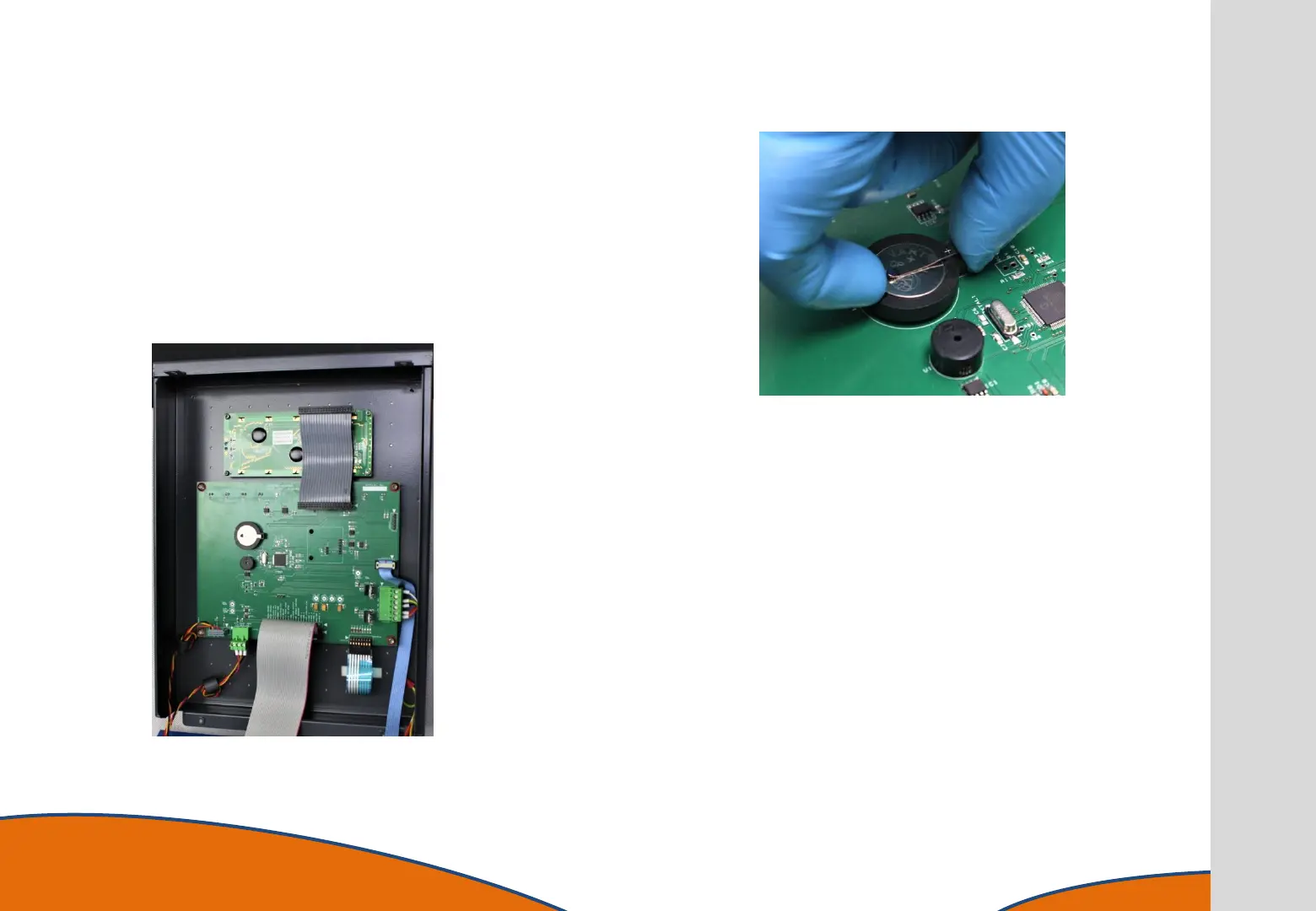
Locate the battery on the motherboard.
The battery is held in place with a light spring, one edge of
the black surrounding ring is open to allow finger access,
carefully prise the battery away from the spring and
remove it from the black ring.
The battery can now de disposed of in a safe manner or
replaced as required.
Re-assemble the instrument in reverse order.



 To Next Page