118 xGenConnect Installation and Programming Guide
Example
In this example we have created two lists: Critical and Informational. This allows
us to selectively deliver event messages to different destinations.
We open up Event Lists and enter the name “Critical”. We tick Alarms, Alarm
Restores, Bypass and Bypass Restore, and AC Fail Reporting.
Then we click to Event List 2 and enter the name “Informational”. Tick Opening
and Closing, and Autotest Report.
Programming Instructions for Channels
Goal
Set up communication paths and destinations for delivering event messages.
Pre-conditions
Communicator must be programmed (see “Programming Instructions for
Communicator” on page 111).
Event Lists must be programmed (see “Programming Instructions for Event Lists”
on page 116).
Notes
• Partition Account Number will take priority over Account Number entered here
for Zone events. If no Partition Account Number is entered then this number
will be used instead.
• Next Channel must be a higher value than the current Channel Number.
Circular loops are not permitted.
• Take note of the Sequence Attempts under Communicator > System Event
Reporting (6.11.2). This is the number of times xGenConnect will attempt the
sequence of Channels you set up in this section.
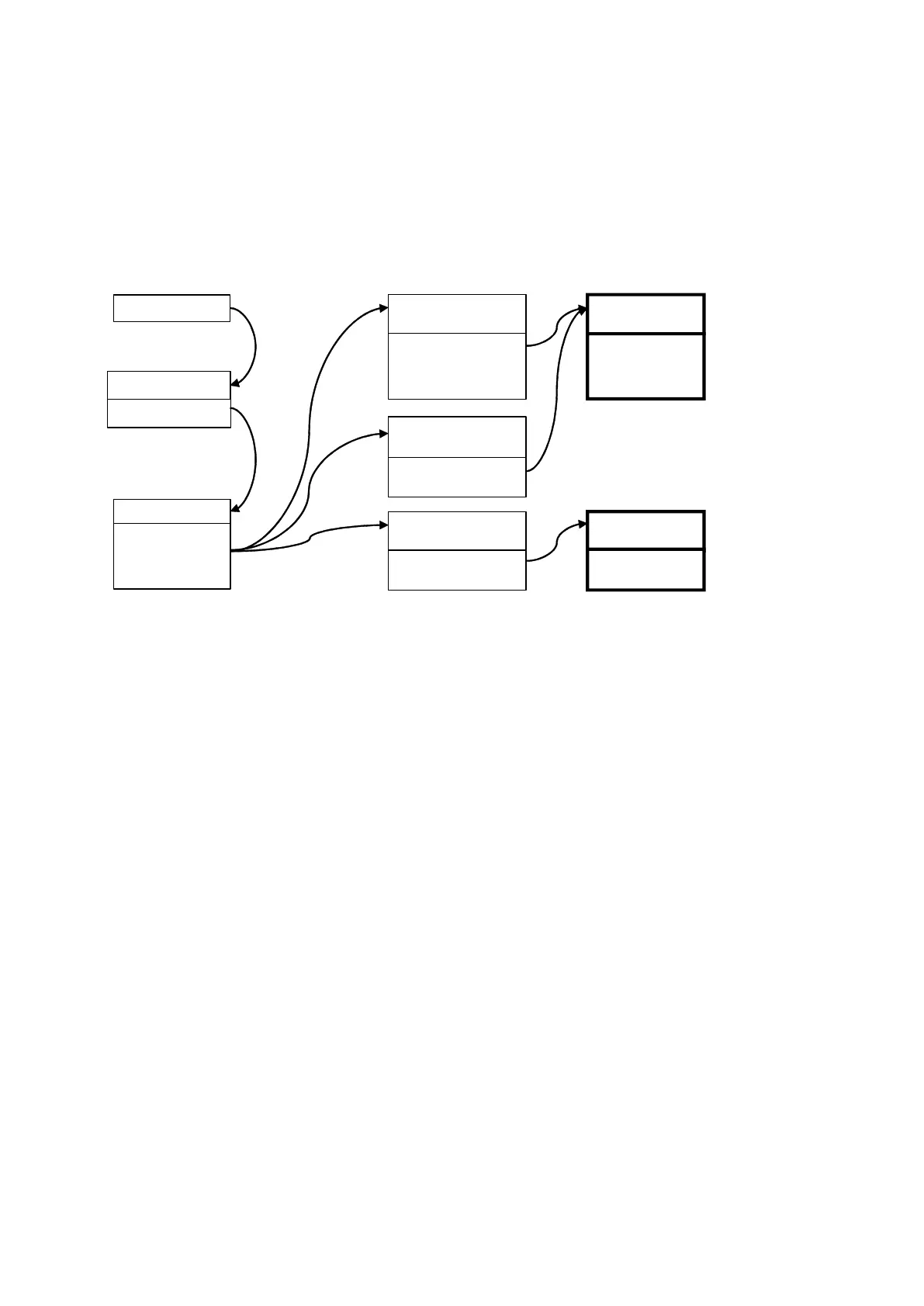
Event
System / Area
Channel Group 1
Channel Group 1
Channel 1
Channel 4
Channel 6
Menu 6.11.1.1 or 4
Event sent to
Channel Group
Menu 18 – Channel Groups
Menu 5 – Channels Menu 17 – Event Lists
Each channel checks to
see if the event is on its
Event List, if yes it will
attempt to send, if not
then it stops.
Channel Group sends event
to Channel it containsevery
Channel 1
Control Room 1
Channel 4
Control Room 2
Channel 6
Email
Event List 1
Critical
Event List 2
Informational
Event List = 1
Event List = 1
Event List = 2
Alarms
Bypass & Restore
AC Fail
Open & Closes
Autotest



 To Next Page