INNOVATION TOTAL LITE Rev. 1 2021-10
www.cafection.com 800-561-6162
58
SERVICE & INSTALLATION MANUAL for Cafection’s Total Lite
Service Mode
6.9 General Reset to Factory Settings
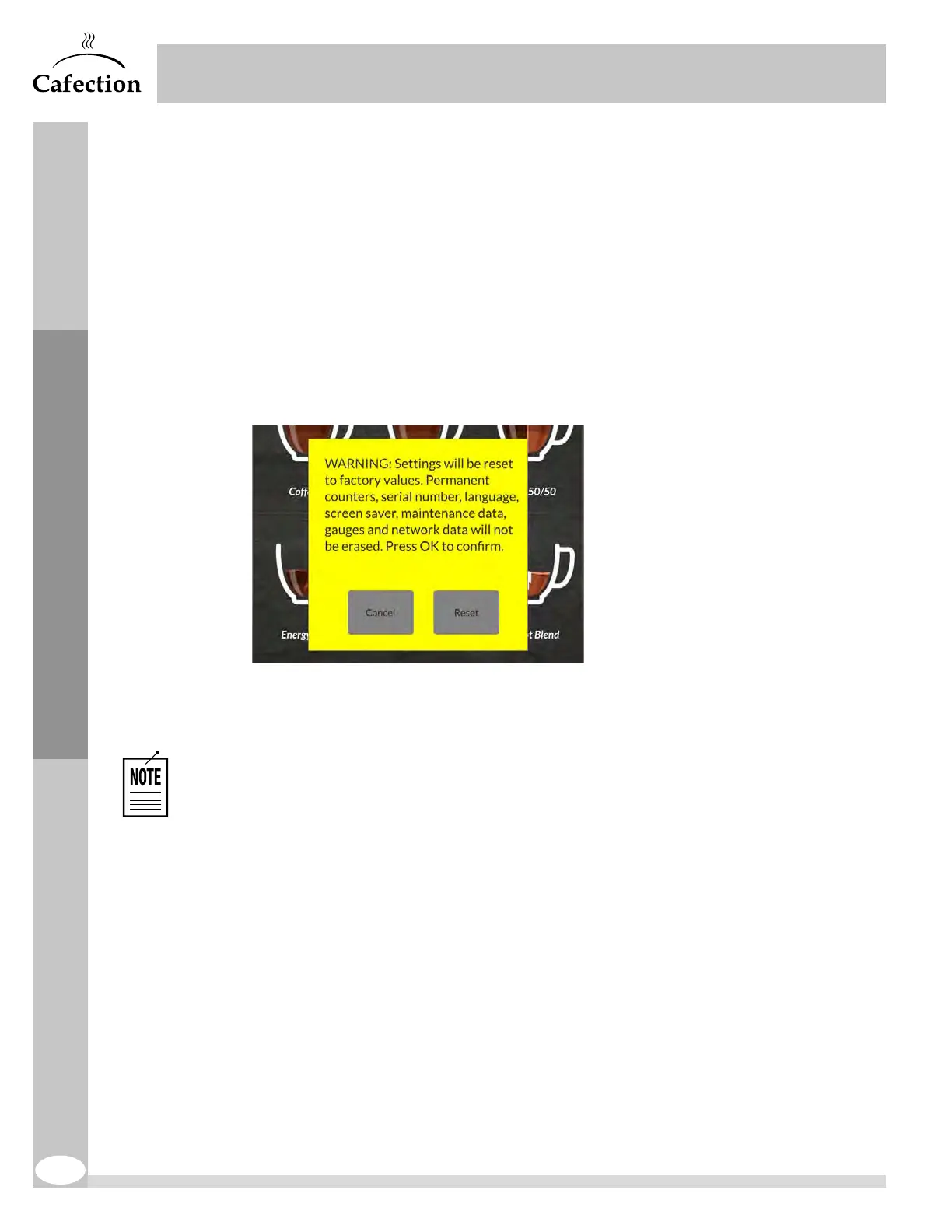
Resetting the brewer back to factory settings will erase all personalized parameters. The
permanent counters, serial number, language, screen saver, maintenance data, gauges and
network data will remain unchanged.
1. Open the brewer door and access the buttons inside the door.
2. Counting from left to right, slowly press the black buttons in that specific order: first (1
st
),
fifth(5
th
), then fourth (4
th
). A window will pop up to confirm the reset.
3. Wait until the reset is completed.
See section 6.6.1 to reset System Settings sub tab back to factory settings without
affecting the recipes.
See section 6.5.2 to reset all recipes back to factory settings.
See section 6.5.3 to reset all brew cycles back to factory settings.



 To Next Page