29
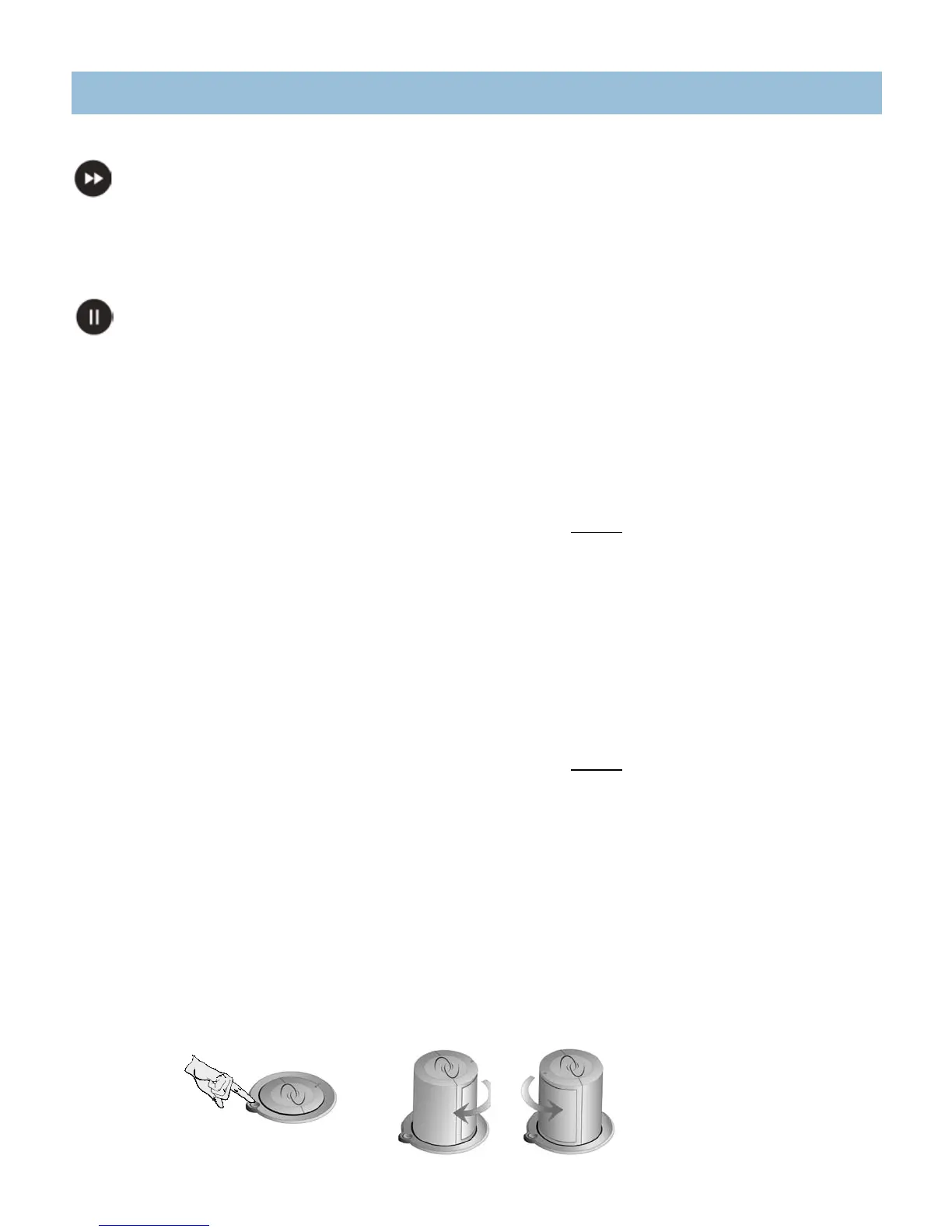
SPEED BUTTON
The Speed button determines the amount of time between steps in a jet sequence. This button only functions when you have selected a sequence. The
Speed indicator light corresponds to the speed chosen.
Press once: 15 seconds between each step (indicator light blinks slowly)
Press twice: 10 seconds between each step (indicator light blinks at medium speed)
Press a third time: 5 seconds between each step (indicator light blinks fast)
PAUSE BUTTON
The Pause button will interrupt the jet sequence and prolong the current jet massage.
Press once to pause the pre-programmed jet sequence and continue the current jet activity. The indicator light will be lit when the sequence is paused.
Press a second time to continue the jet sequence.
AQUATIC MELODIES
®
ENTERTAINMENT SYSTEMS
CANTABRIA
™
MUSIC SYSTEM (OPTIONAL)
The Aquatic Melodies Wireless Multi-Source Sound System is optional on the Cantabria. The system includes the following:
iCast transmitter/receiver•
Three pop-up speakers.•
Speakers are strategically positioned to create surround sound.•
Left and right speakers provide true stereo sound, while the center (or rear) speaker plays the • difference in sound between the left and right speaker (similar
to a home theater surround sound system).
Advent•
®
remote control
JBL amplifier and power supply•
Please refer to the Advent Remote Quick Reference User Guide for operation instructions.
ELATION
®
MUSIC SYSTEM
The Elation comes equipped with the Aquatic Melodies Surround Sound system, which includes the following:
Sony•
®
CD AM/FM Stereo with equalizer.
NOTE: Radio reception will vary depending on your location.
Three pop-up speakers.•
Speakers are strategically positioned to create surround sound.•
Left and right speakers provide true stereo sound, while the center (or rear) speaker plays the • difference in sound between the left and right speaker (similar
to a home theater surround sound system).
To increase rear speaker volume, do the following:•
► Press“SEL”buttontoadvanceto“FAD”(fader),pressthe“+”or“-”onthelefttoshiftfaderhalfwaytotherearofthespa.
► Press“SEL”buttontoadvancetoLOW,MID,HIfrequencyrangeselection.
► Pressthe“+”or“-”onthelefttoadjustLOW,MID,orHIfrequencies.
NOTE: Because of this feature, the rear speaker will produce no sound if there is no difference in the sound being delivered to the right and left speakers.
Subwoofer with independent amplifier.•
SPEAKER OPERATION
The Cantabria and Elation spas are equipped with three pop-up speakers. To operate the pop-up speakers:
Press the button next to the speaker.1.
Rotate the speaker to the desired position (the speaker can rotate in either direction until it stops). 2.
The pop-up speaker will only lower in one position. To lower, rotate the speaker until the two arrows point towards each other, then press down on the top of the 3.
speaker until it locks into position.
Speaker in initial raised position.
Rotate speaker to desired location.
Press button to raise the speaker
OPERATING INSTRUCTIONS




 To Next Page