12
+
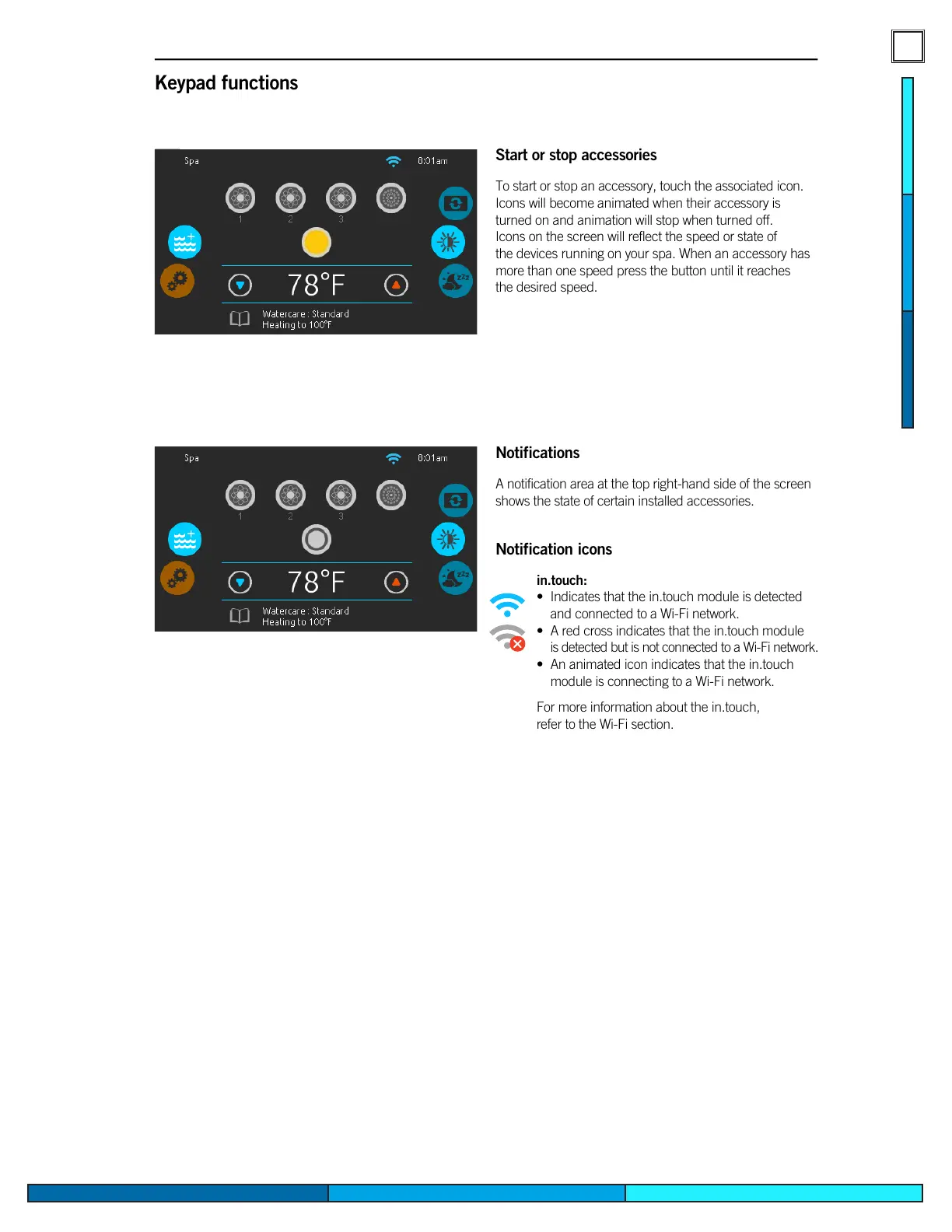
Start or stop accessories
To start or stop an accessory, touch the associated icon�
Icons will become animated when their accessory is
turned on and animation will stop when turned off�
Icons on the screen will reflect the speed or state of
the devices running on your spa� When an accessory has
more than one speed press the button until it reaches
the desired speed�
Notifications
A notification area at the top right-hand side of the screen
shows the state of certain installed accessories�
Keypad functions
Notification icons
in.touch:
• Indicates that the in�touch module is detected
and connected to a Wi-Fi network�
• A red cross indicates that the in�touch module
is detected but is not connected to a Wi-Fi network�
• An animated icon indicates that the in�touch
module is connecting to a Wi-Fi network�
For more information about the in�touch,
refer to the Wi-Fi section�
in.clear:
• The icon is green when the in�clear is
generating bromine�
• The icon is grey when the in�clear is not
generating bromine�
• A red cross indicates that the in�clear is
turned off�
For more information about the in�clear,
refer to the in�clear functions section�
in.stream 2:
• The icon is green when the in�stream 2 is on�
• A red cross indicates that the in�stream 2 is
turned off�
For more information about the in�stream 2,
refer to the in�stream 2 functions section�
in.mix:
• Indicates that an in�mix system is detected�
For more information about the in�mix system, refer
to the in�mix functions section�


 To Next Page