13
+
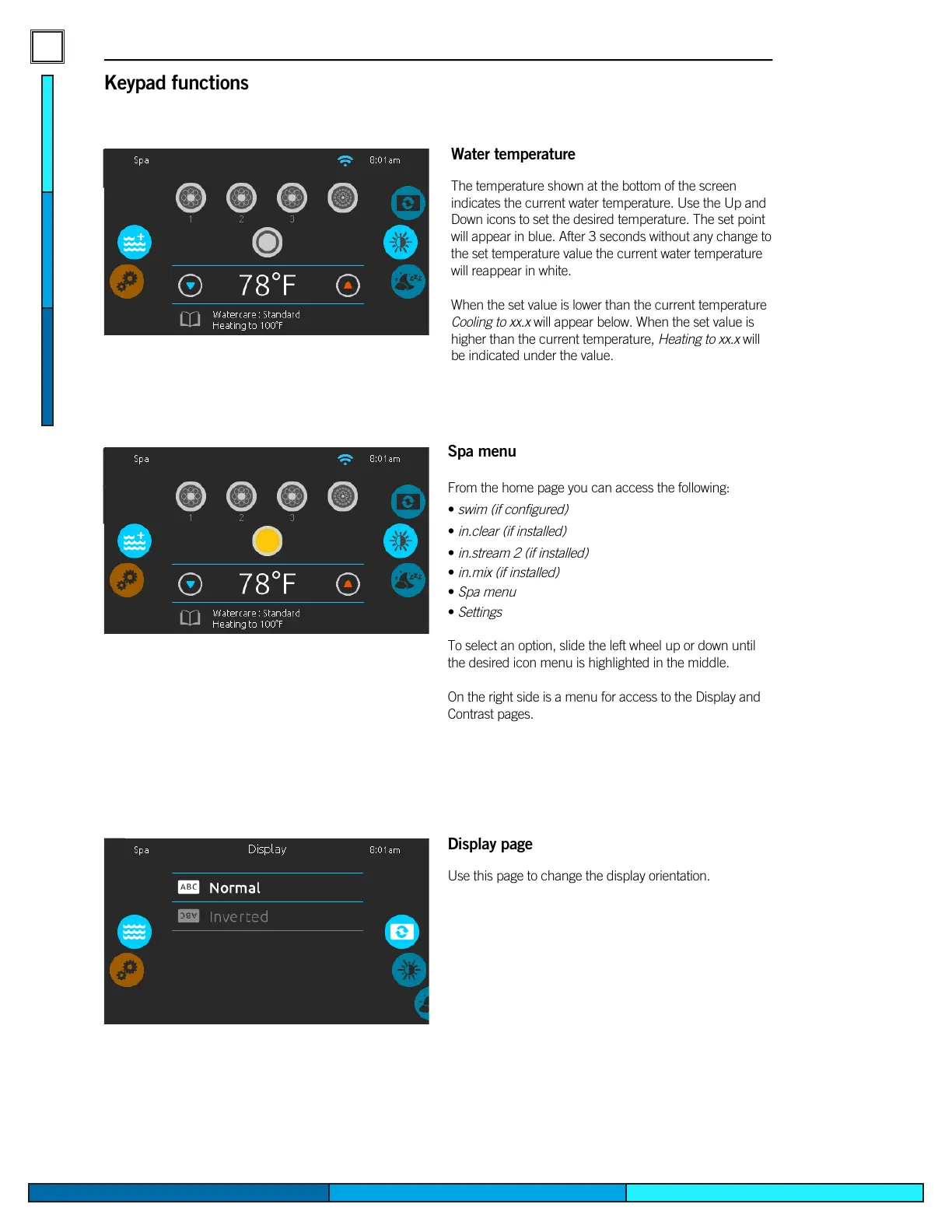
Water temperature
The temperature shown at the bottom of the screen
indicates the current water temperature� Use the Up and
Down icons to set the desired temperature� The set point
will appear in blue� After 3 seconds without any change to
the set temperature value the current water temperature
will reappear in white�
When the set value is lower than the current temperature
Cooling to xx.x will appear below� When the set value is
higher than the current temperature, Heating to xx.x will
be indicated under the value�
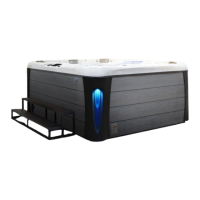
Spa menu
From the home page you can access the following:
•
swim (if configured)
•
in�clear (if installed)
•
in�stream 2 (if installed)
•
in�mix (if installed)
•
Spa menu
•
Settings
To select an option, slide the left wheel up or down until
the desired icon menu is highlighted in the middle�
On the right side is a menu for access to the Display and
Contrast pages�
Keypad functions
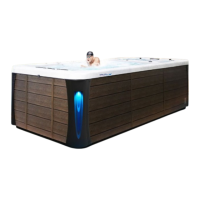
Display page
Use this page to change the display orientation�


 To Next Page